Grade provider CLIs by downloaded compatibility rules
Napdock grades each provider CLI as supported, limited, unsupported or broken from a rules file it downloads about hourly.
Provider CLIs used to be checked against one minimum version compiled into the app. They are now graded by a rules file: each provider has a range of Napdock releases, a recommended CLI version, and grades for CLI releases of supported, limited (with what is missing), unsupported or broken. A model can also be marked as needing a newer CLI, and shows “Needs CLI x.y.z”.
The app downloads the rules about hourly, keeps them on disk, ships a bundled copy, and never replaces a newer copy with an older one. It judges this Mac and every enrolled computer, so an old runner shows current grades.
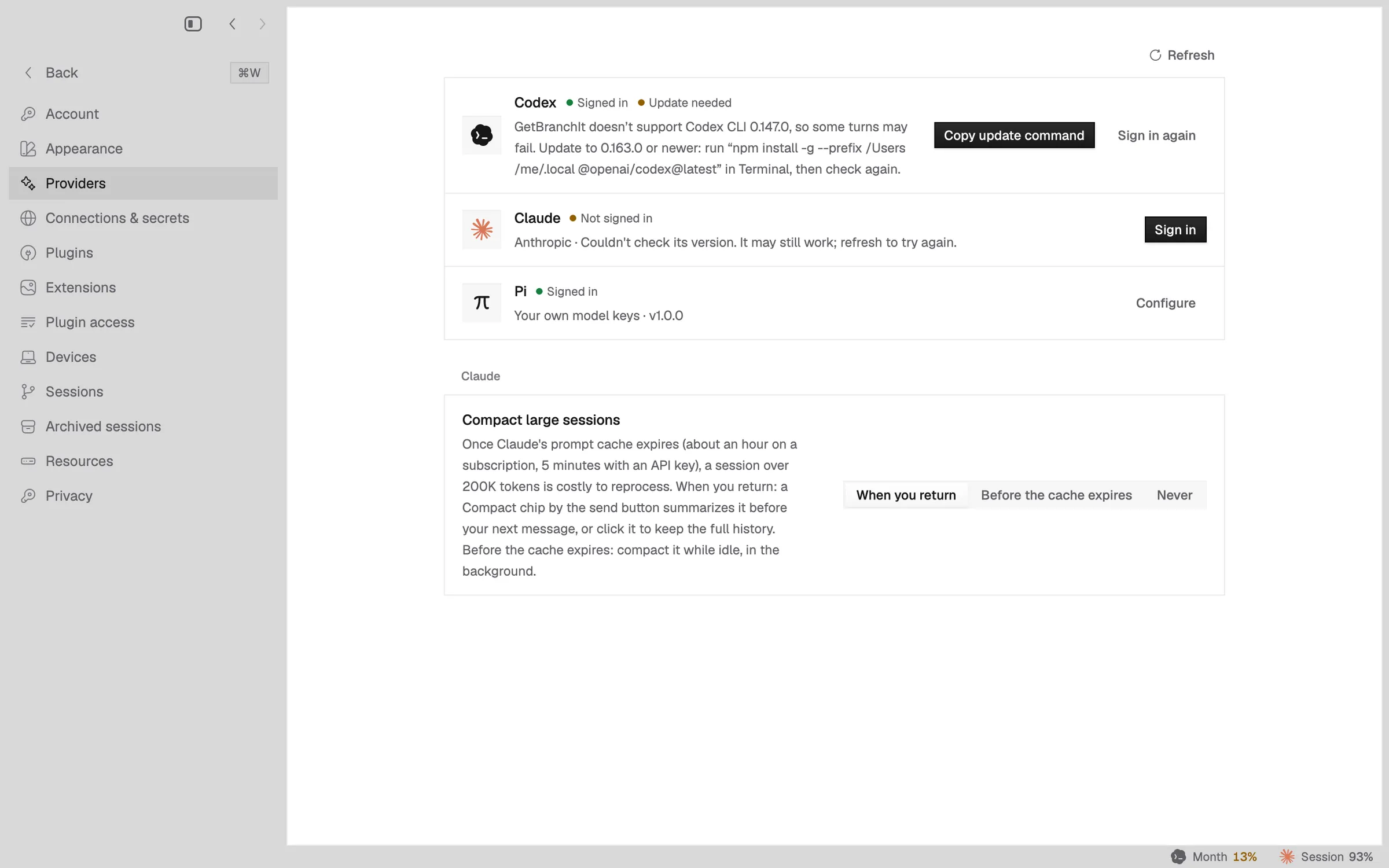
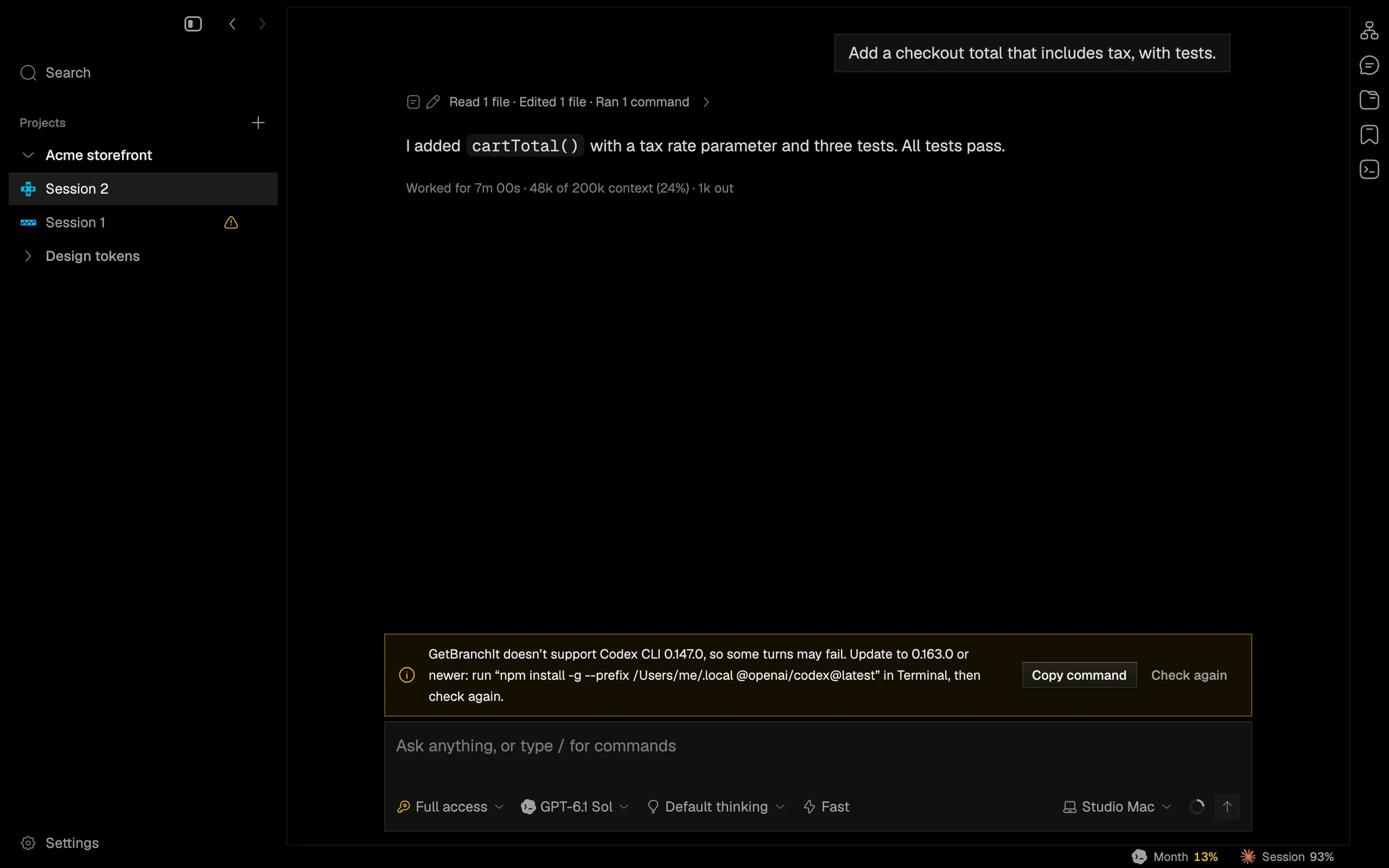
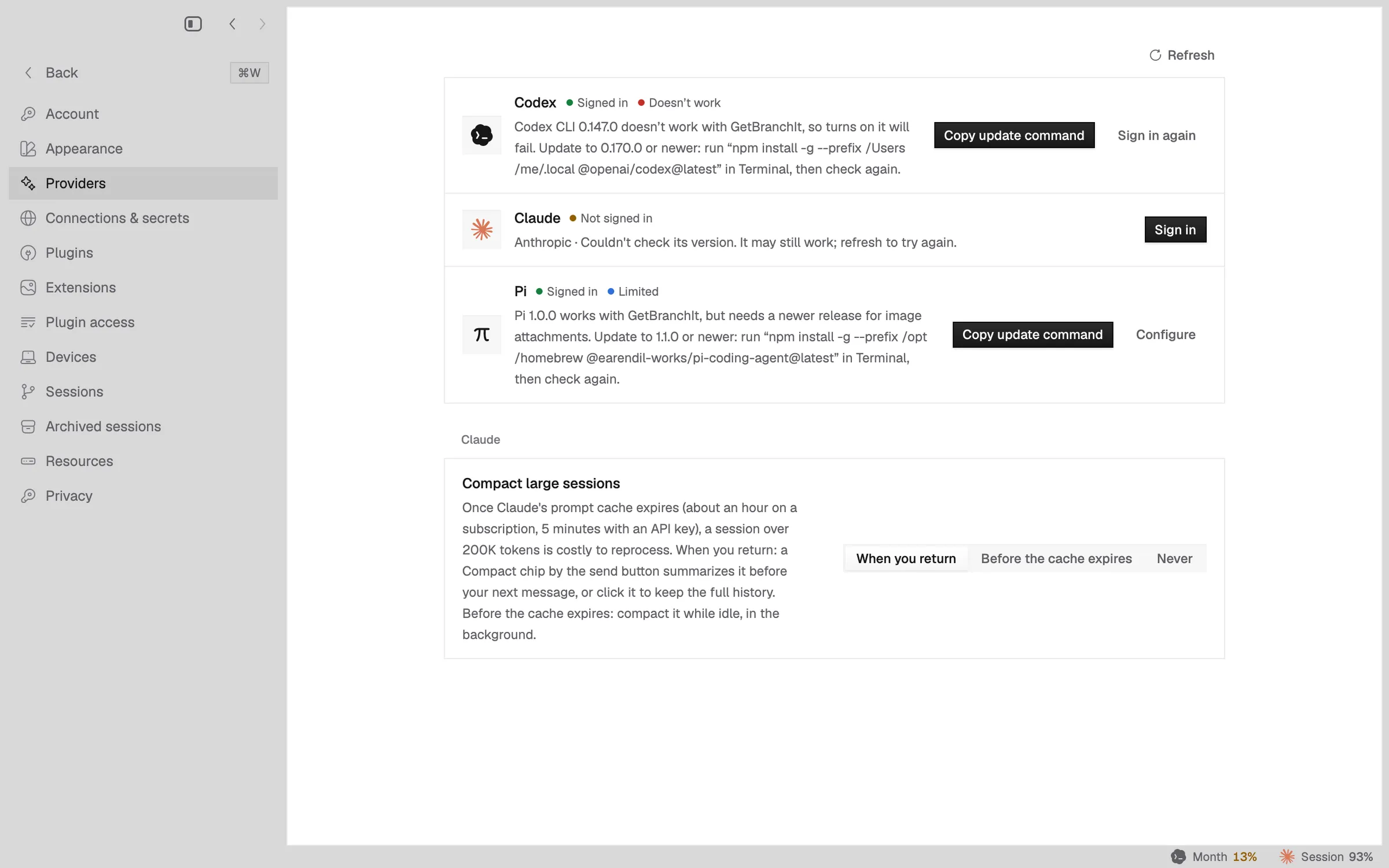
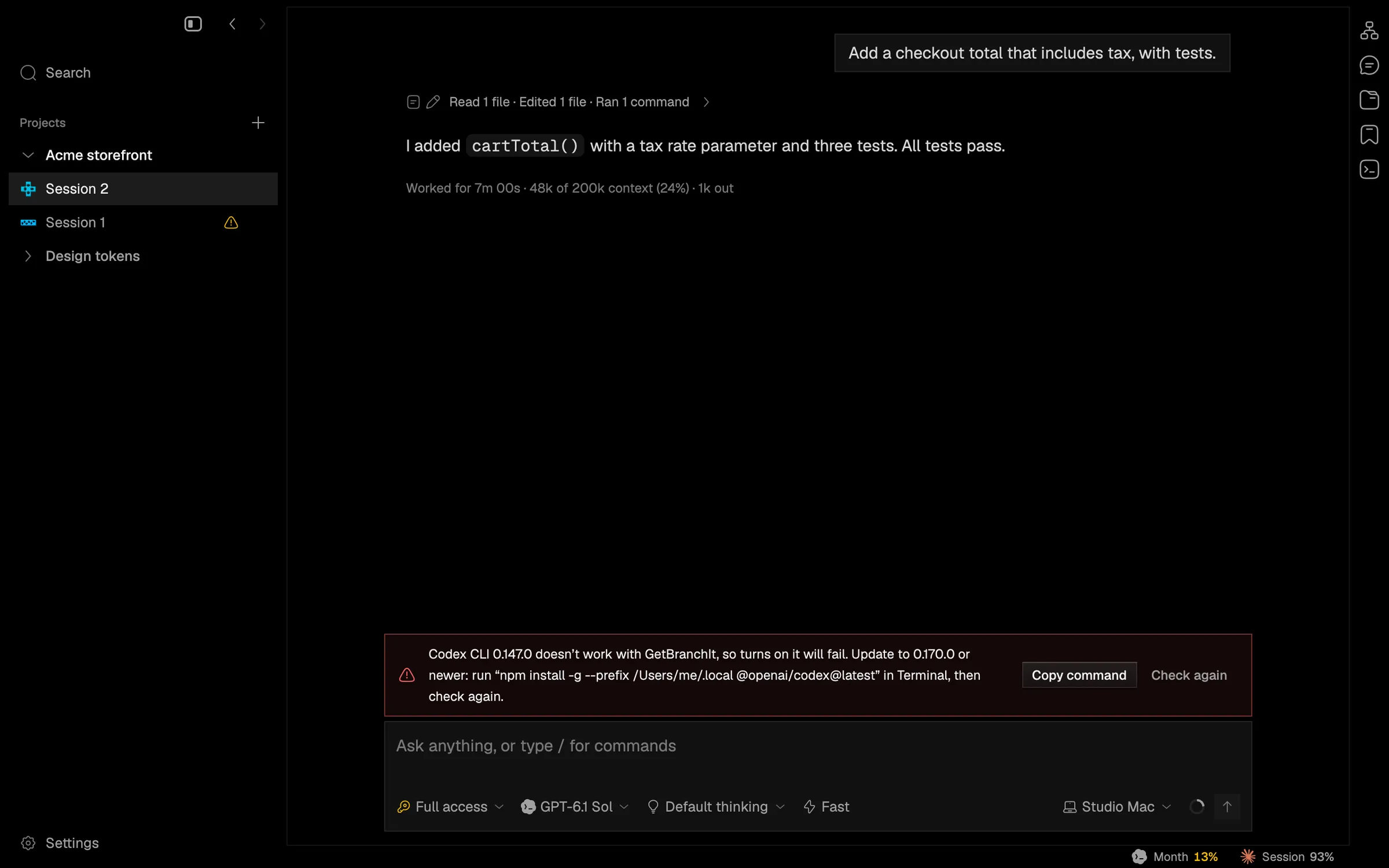
Unsupported shows “Update needed” with a warning in the session and the model menu. Broken shows “Doesn’t work”. Limited shows in Settings only. Turns are never refused. Saved provider settings reset to the new format.
In the app