Update provider CLIs from the app, on every connected computer
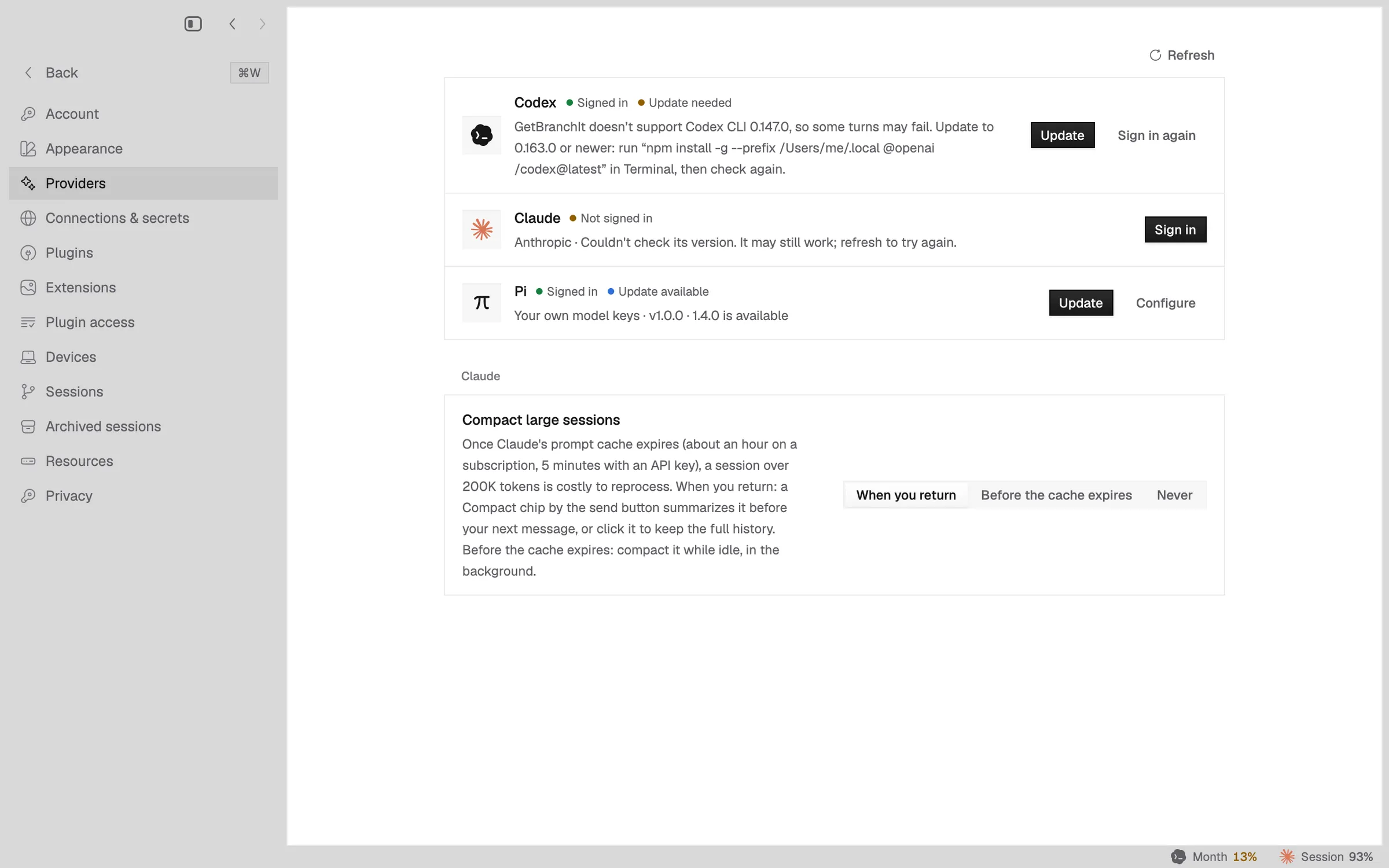
Napdock looks up each provider CLI's newest release and offers an Update button that runs the right command on this Mac or any connected computer.
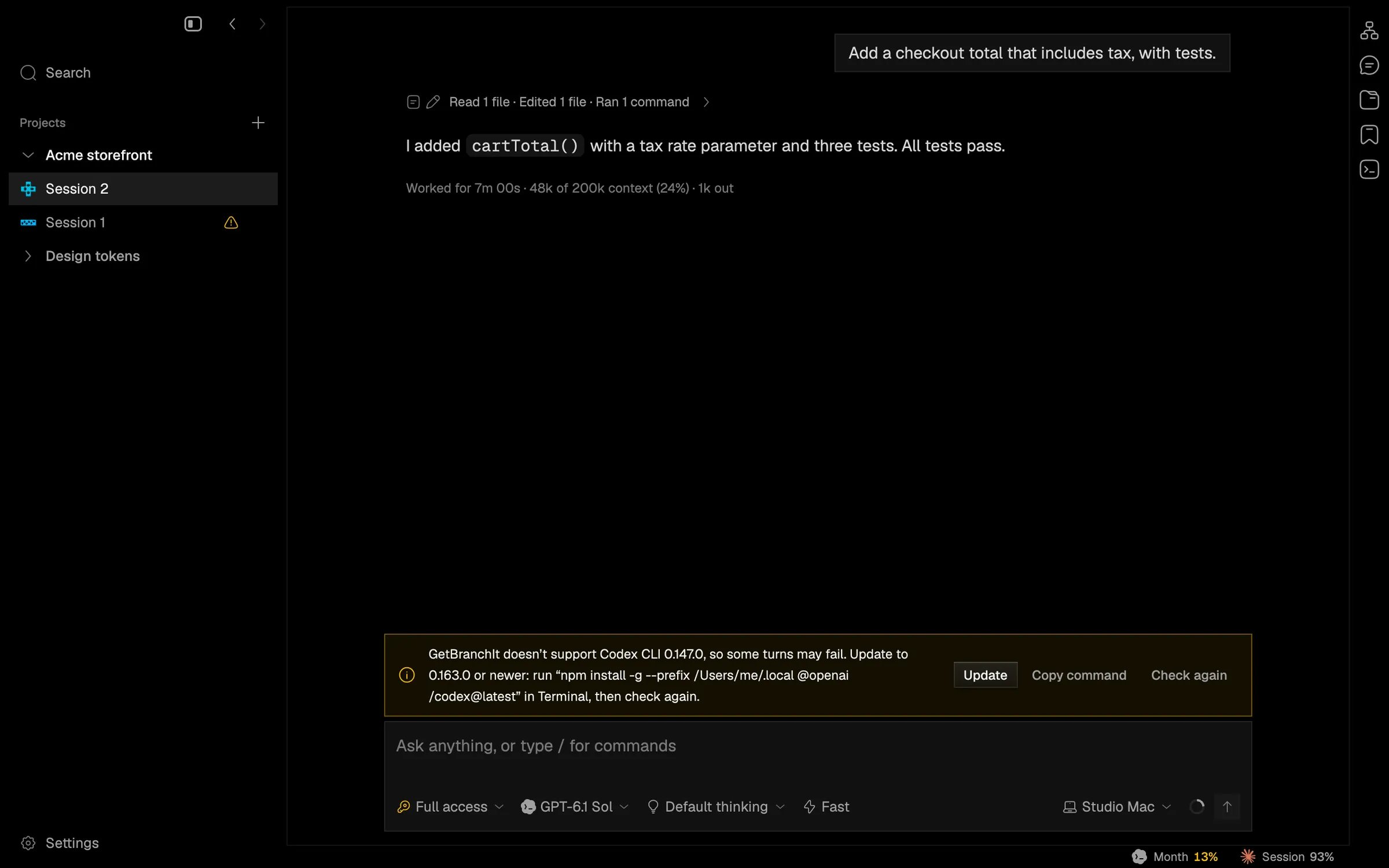
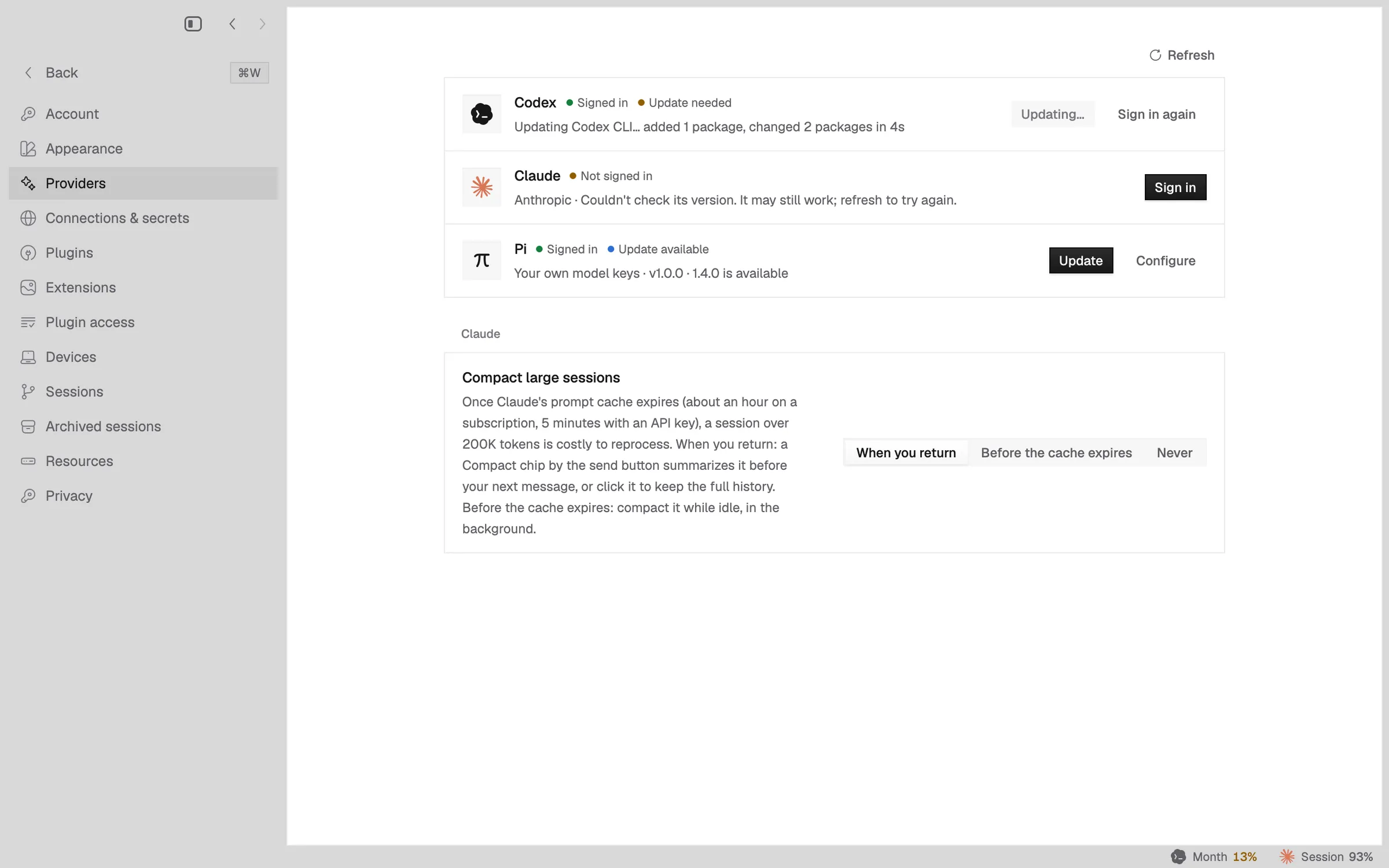
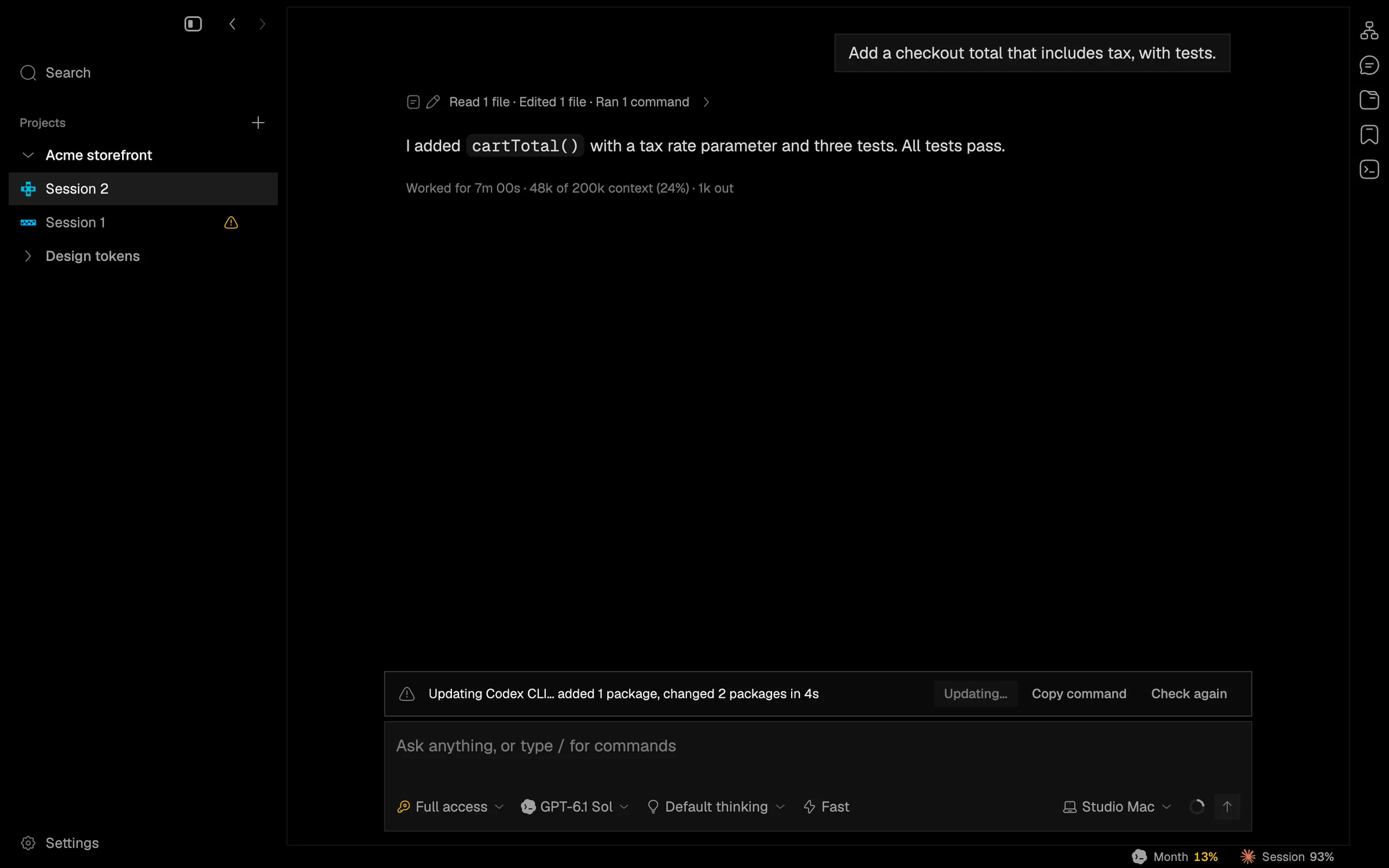
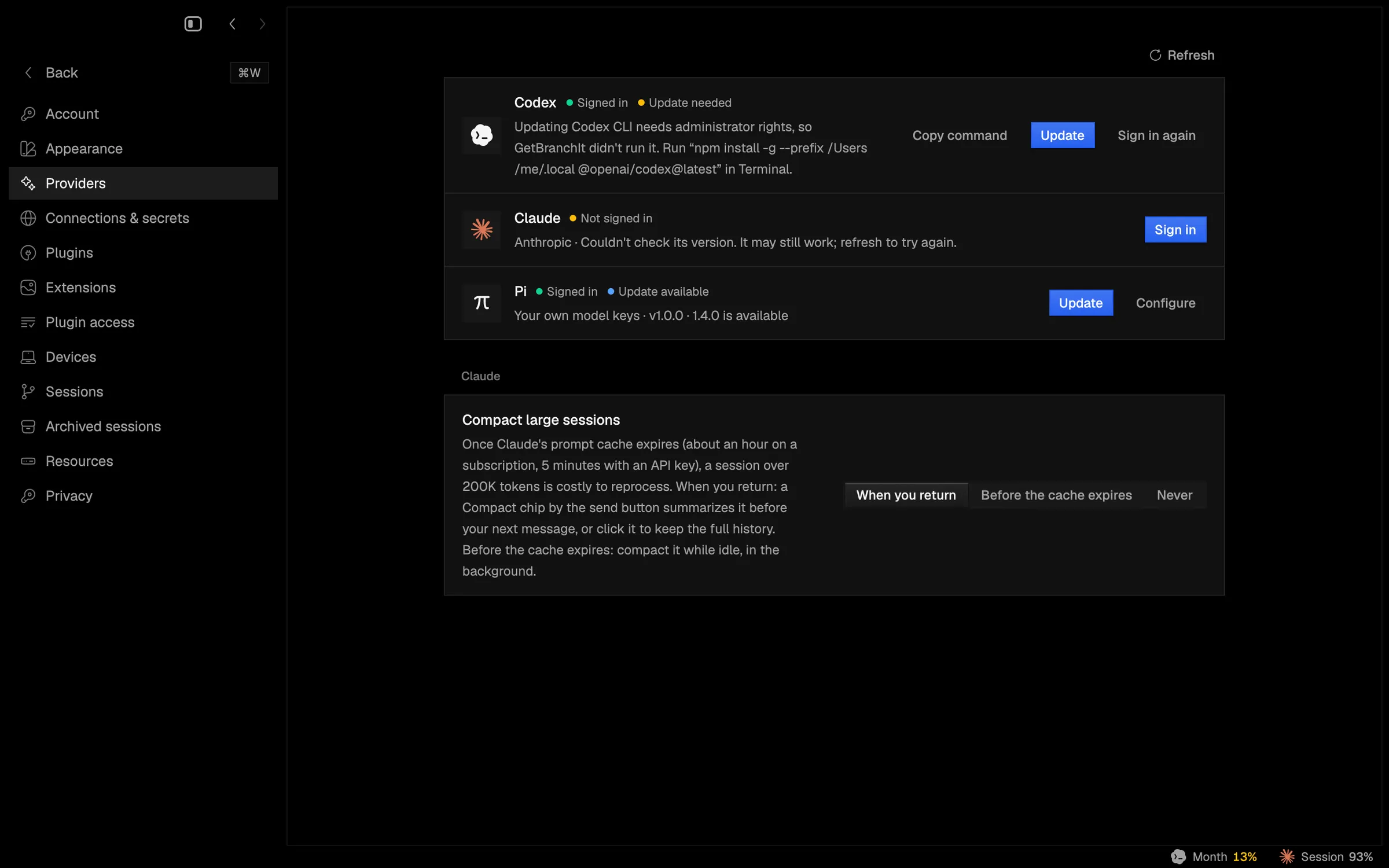
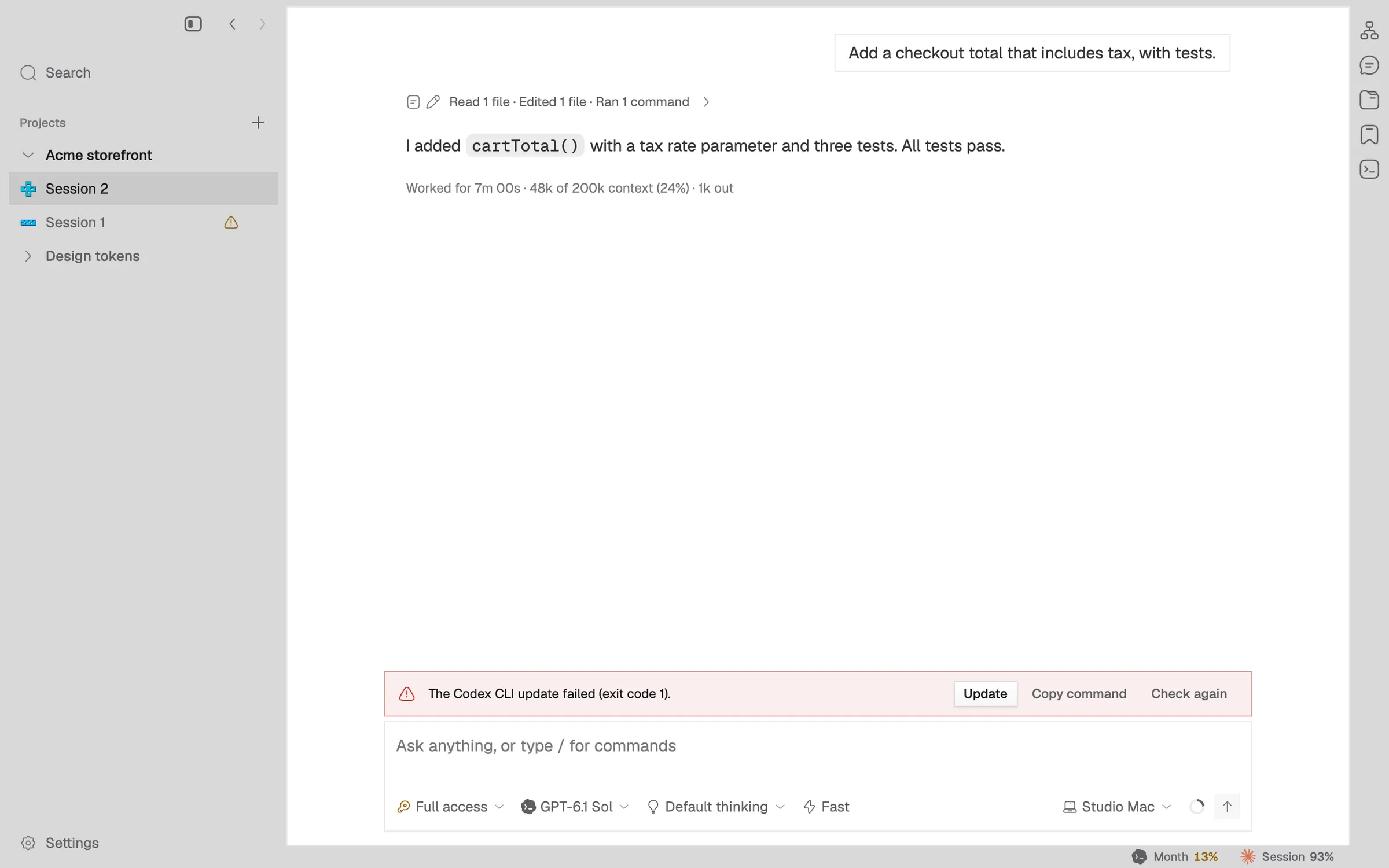
Napdock now looks up each provider CLI’s newest release and shows “Update available” in Settings > Providers and Settings > Devices. An Update button runs the update command that fits how the CLI was installed. In Settings, Update on all computers runs it on this Mac and every other enrolled computer and lists the result per machine. A session on an outdated CLI has an Update button in its callout.
The run never asks for a password. If the install location isn’t writable, it ends as “needs admin” without starting and offers the command to run in Terminal. Runs are limited to five minutes, report what happened, and refresh provider status when they end. The command is chosen on the machine where it runs, never sent over the wire.
Not yet checked across two real Macs, only through the executor’s signed-action tests.
In the app