Add extension primitives: table, tree, menu, value inputs, charts, sheets
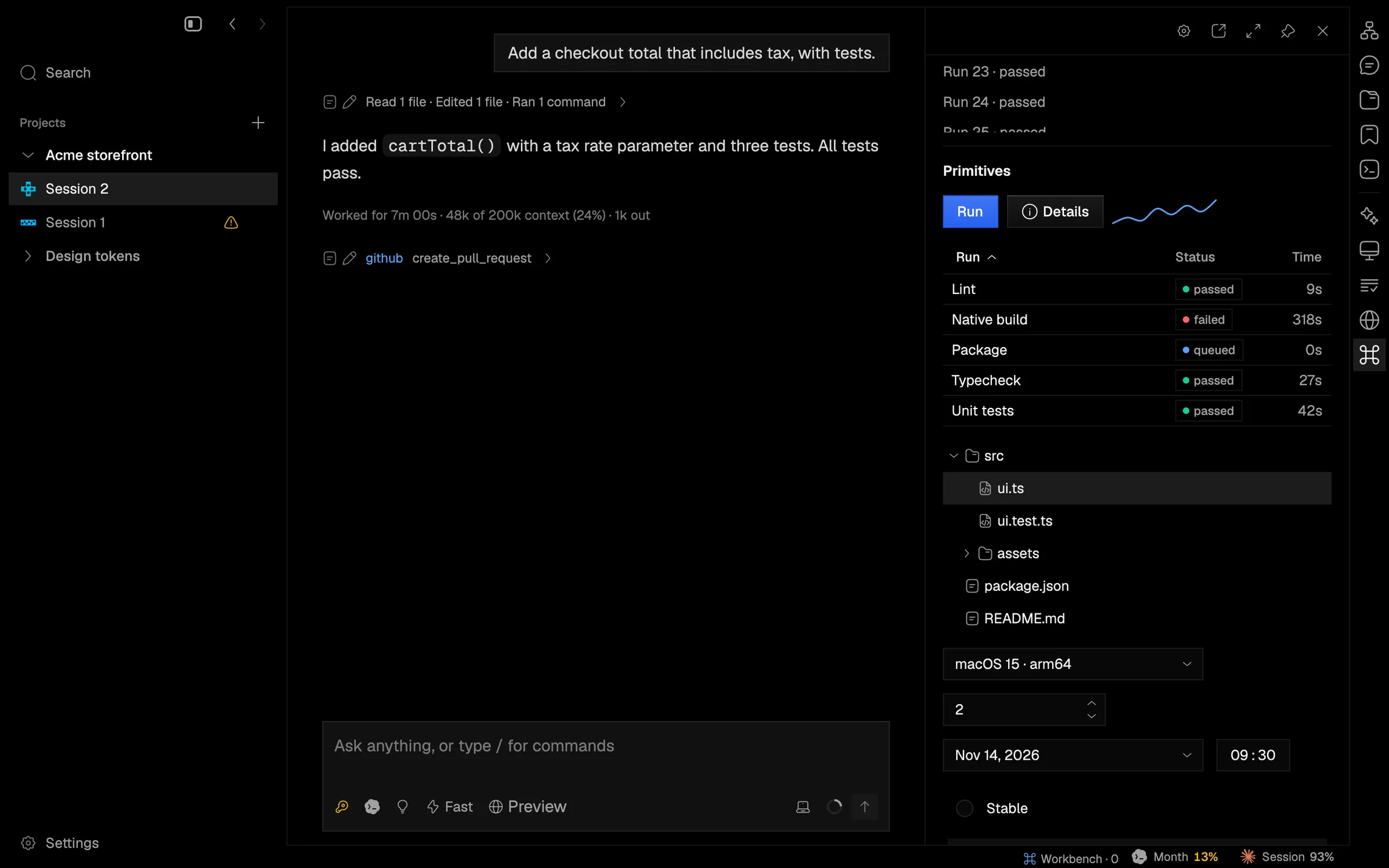
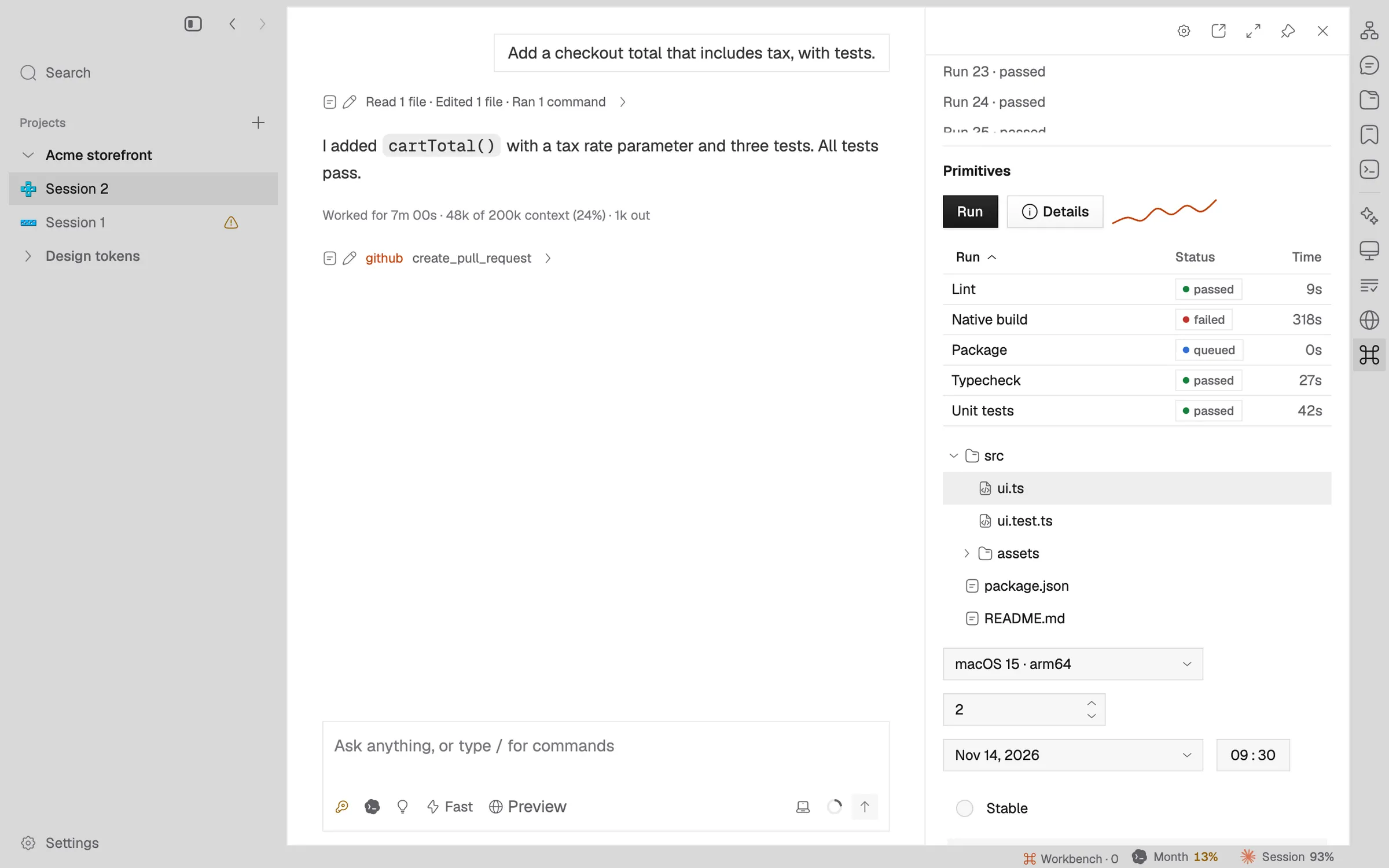
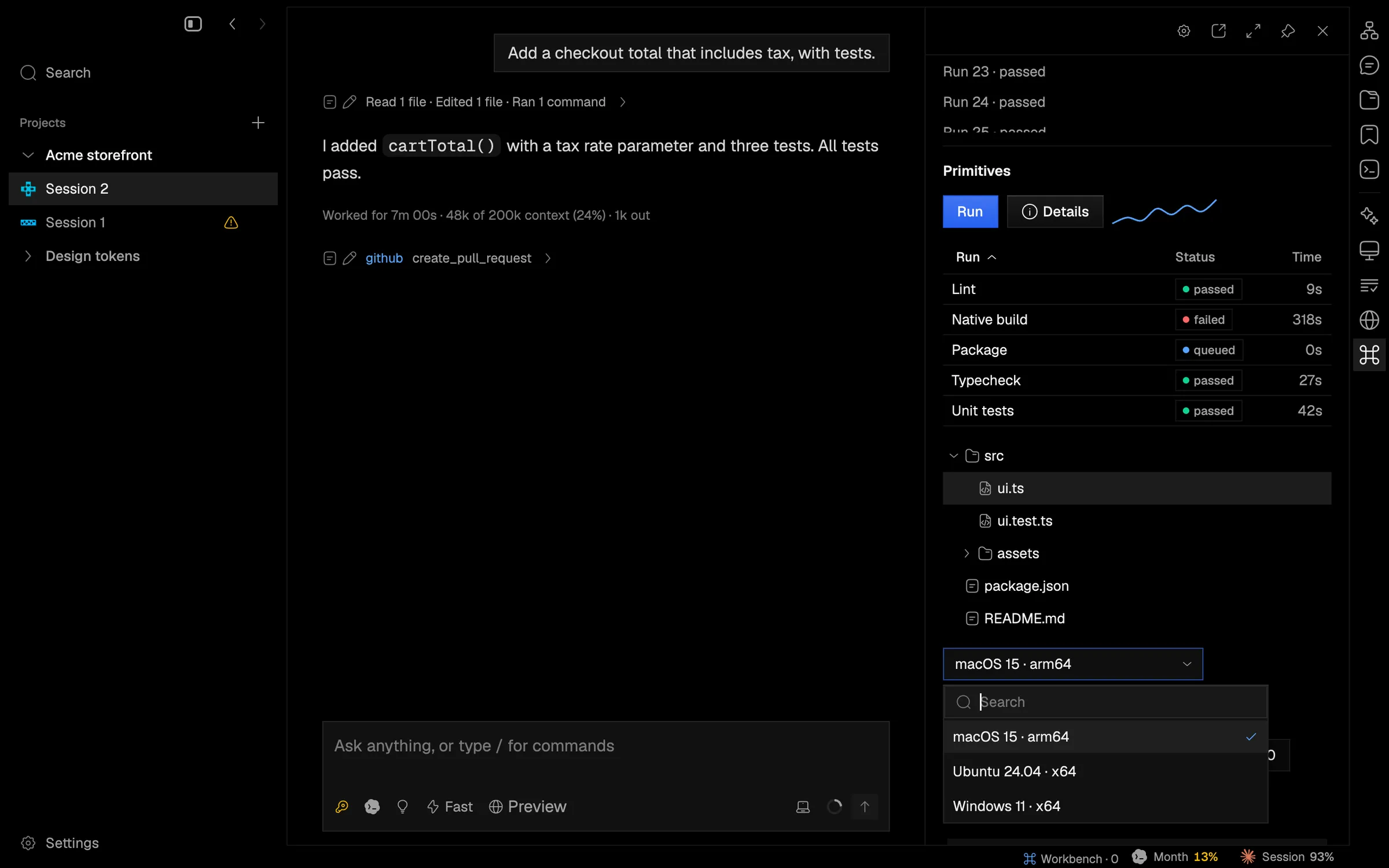
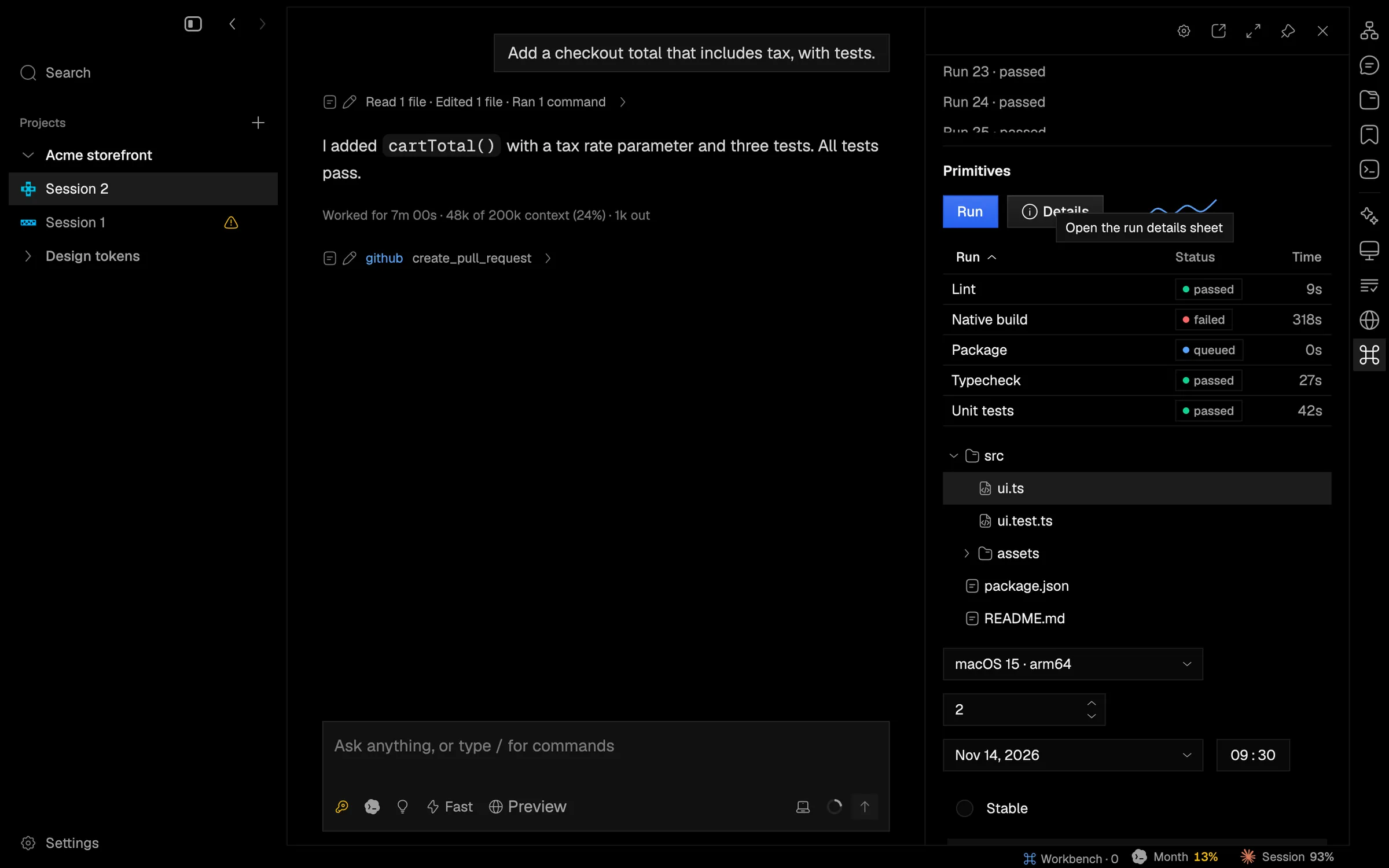
Extensions can now draw sortable tables, outlines, menus, number, date, time and radio inputs, charts, tooltips and side sheets.
Real tool panels need more than text and buttons, so extensions can now draw:
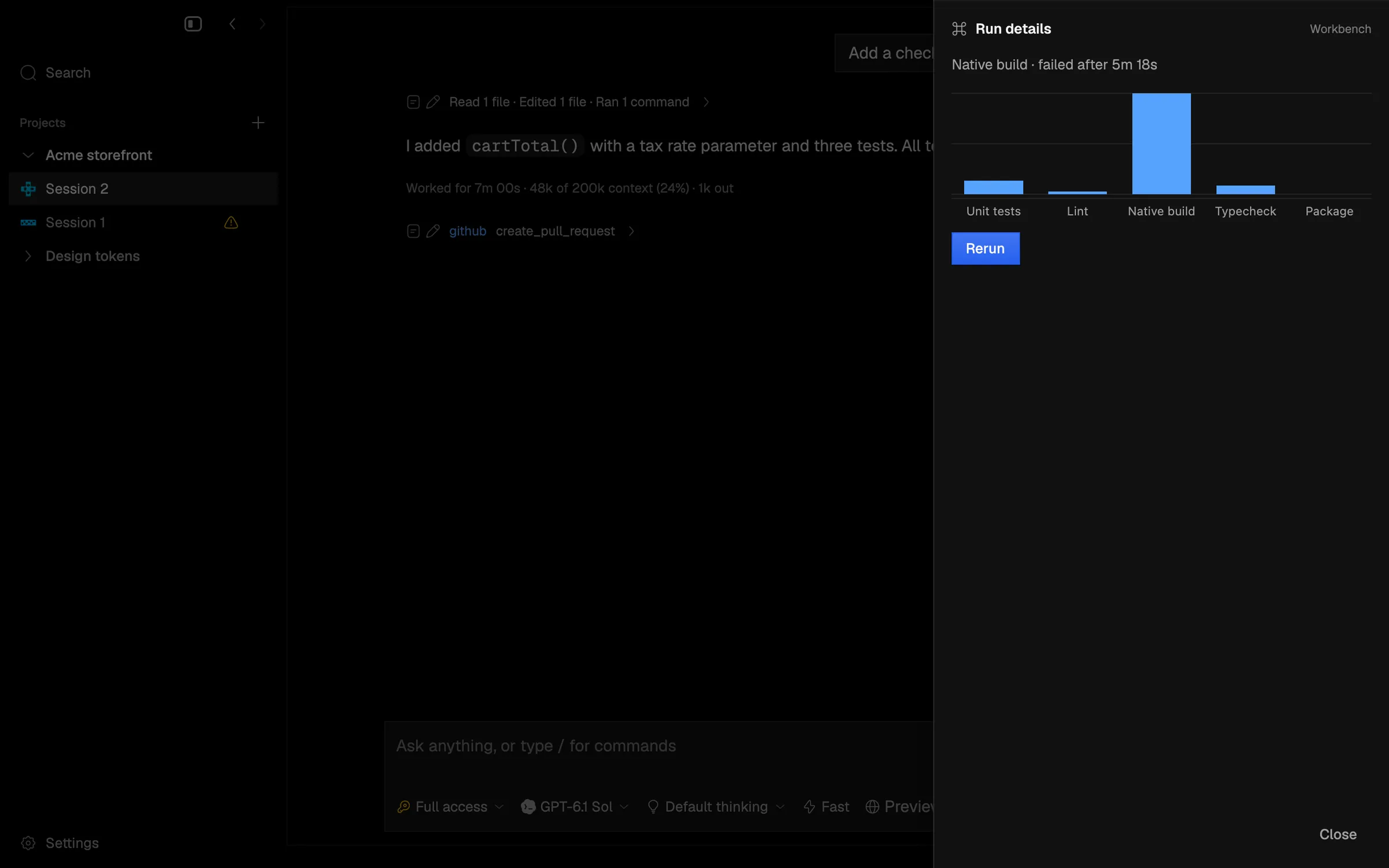
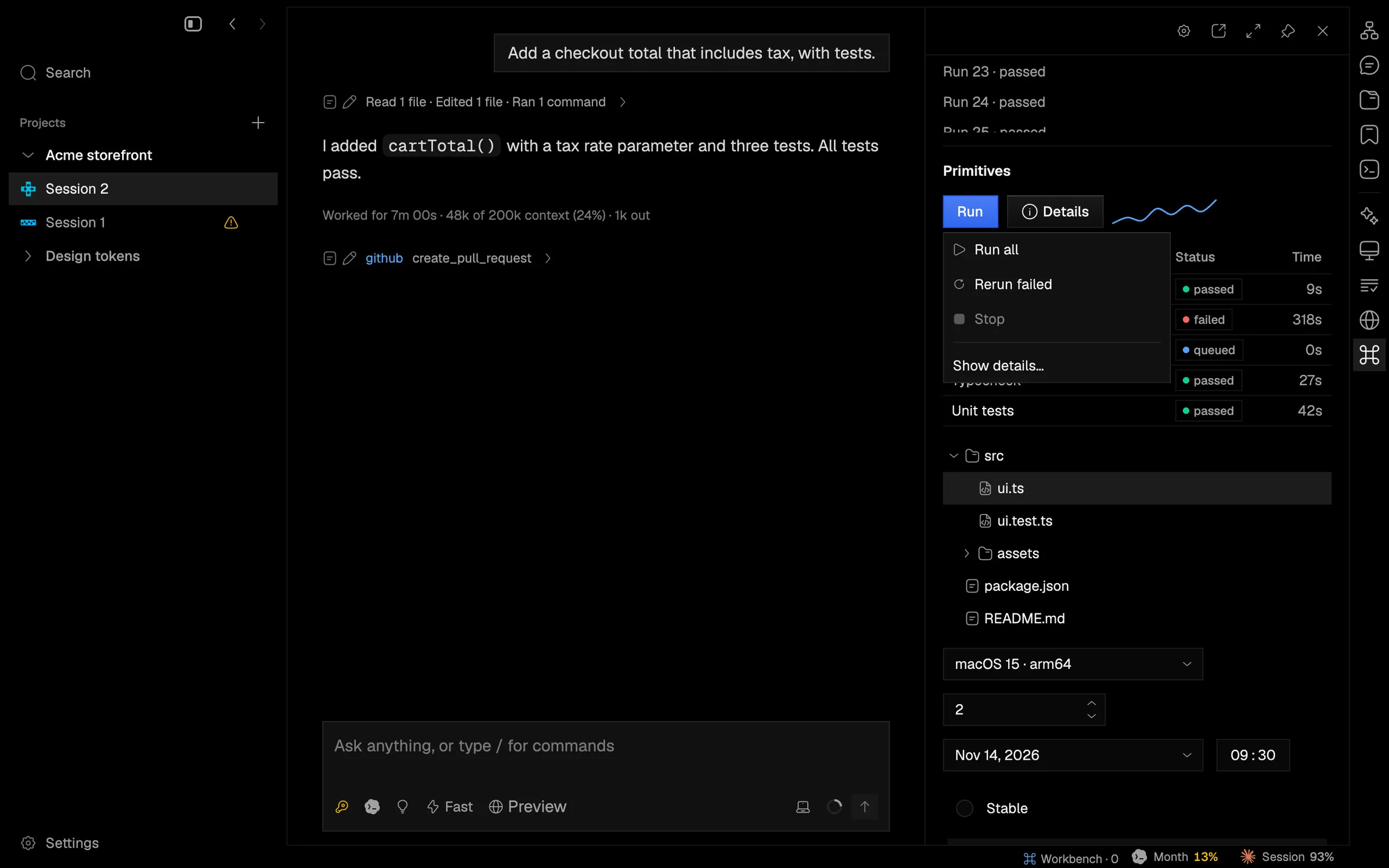
table: up to 32 columns over rows loaded as you scroll, with sortable headers.tree: an outline with arrow-key navigation.menuandtooltip: a menu button with disabled items and separators, and tooltips on hover and keyboard focus.- Inputs:
combobox,number,date,timeandradio. chartandsparkline: line, area or bar series with a legend.- Sheets: a custom dialog that slides in from the right edge.
The native app and the iOS renderer both handle the new nodes, and the workbench example shows each one.
In the app