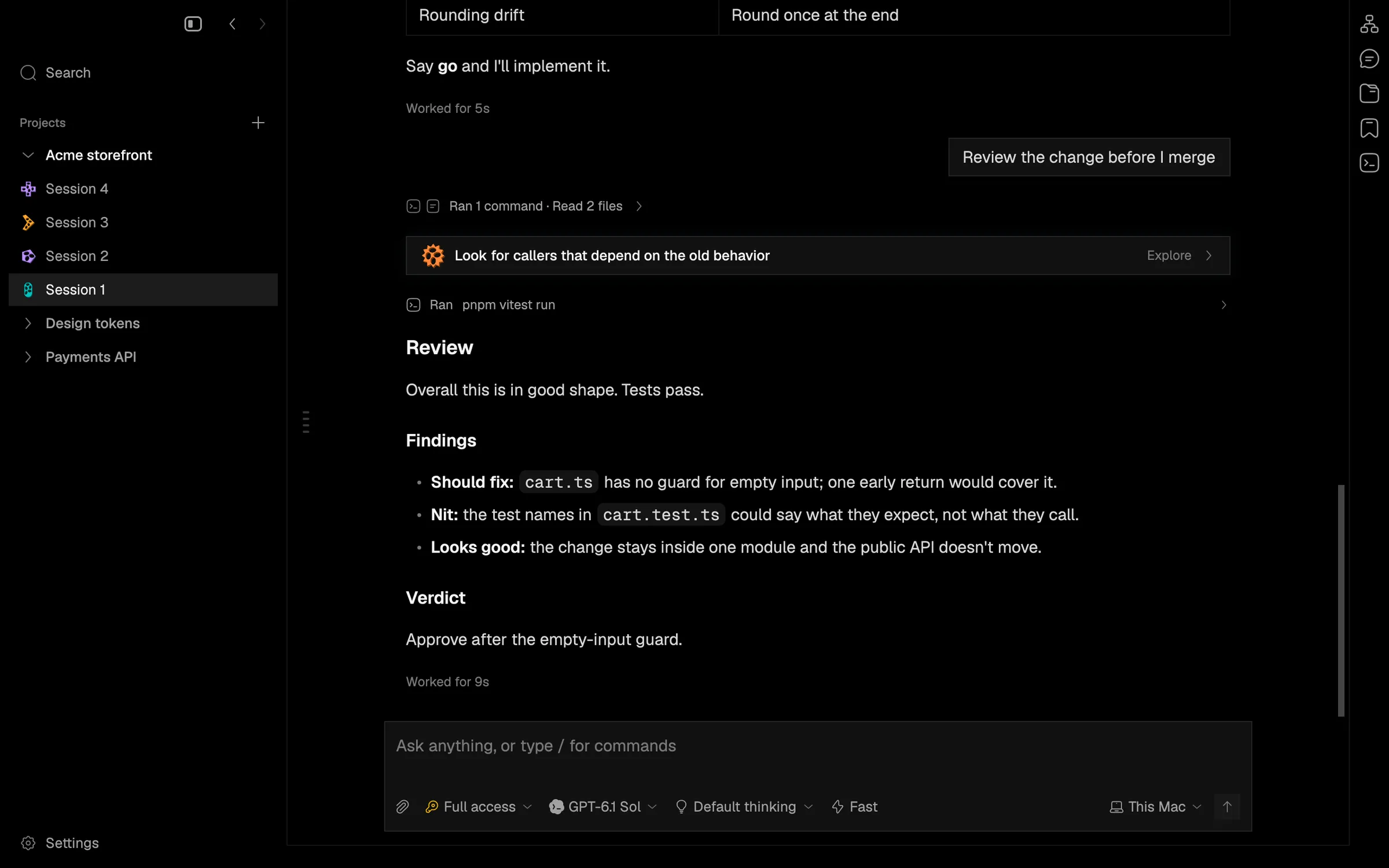
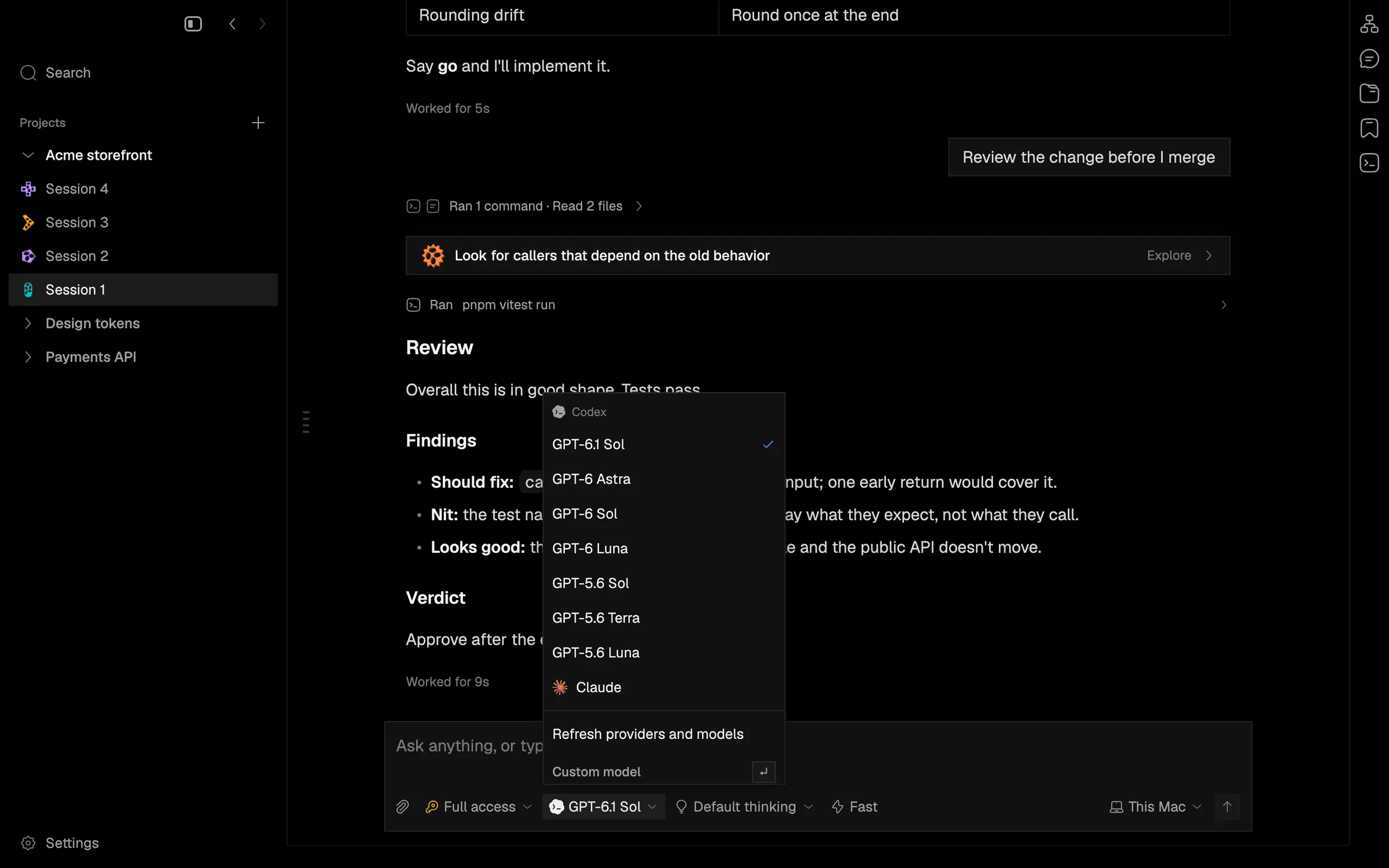
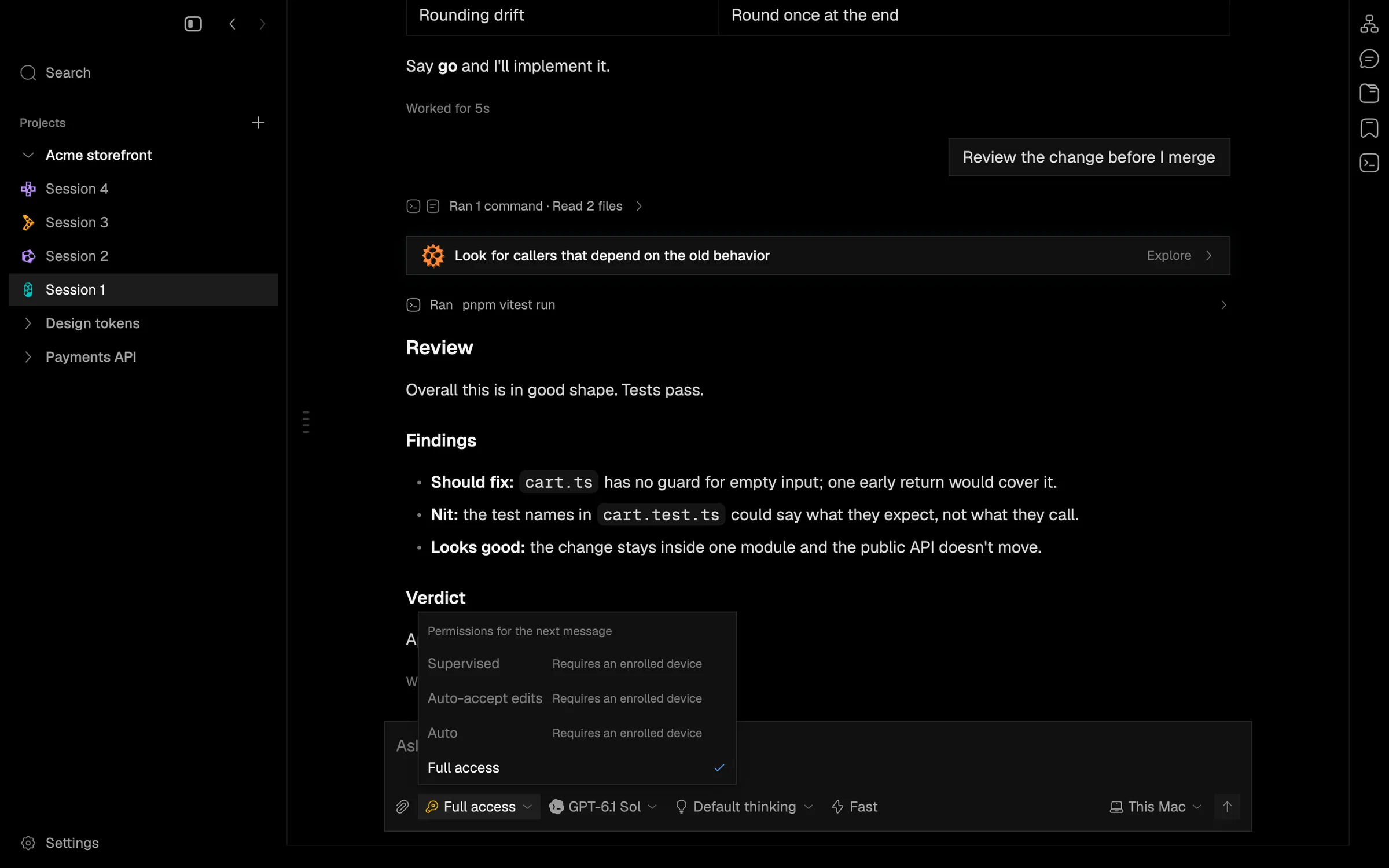
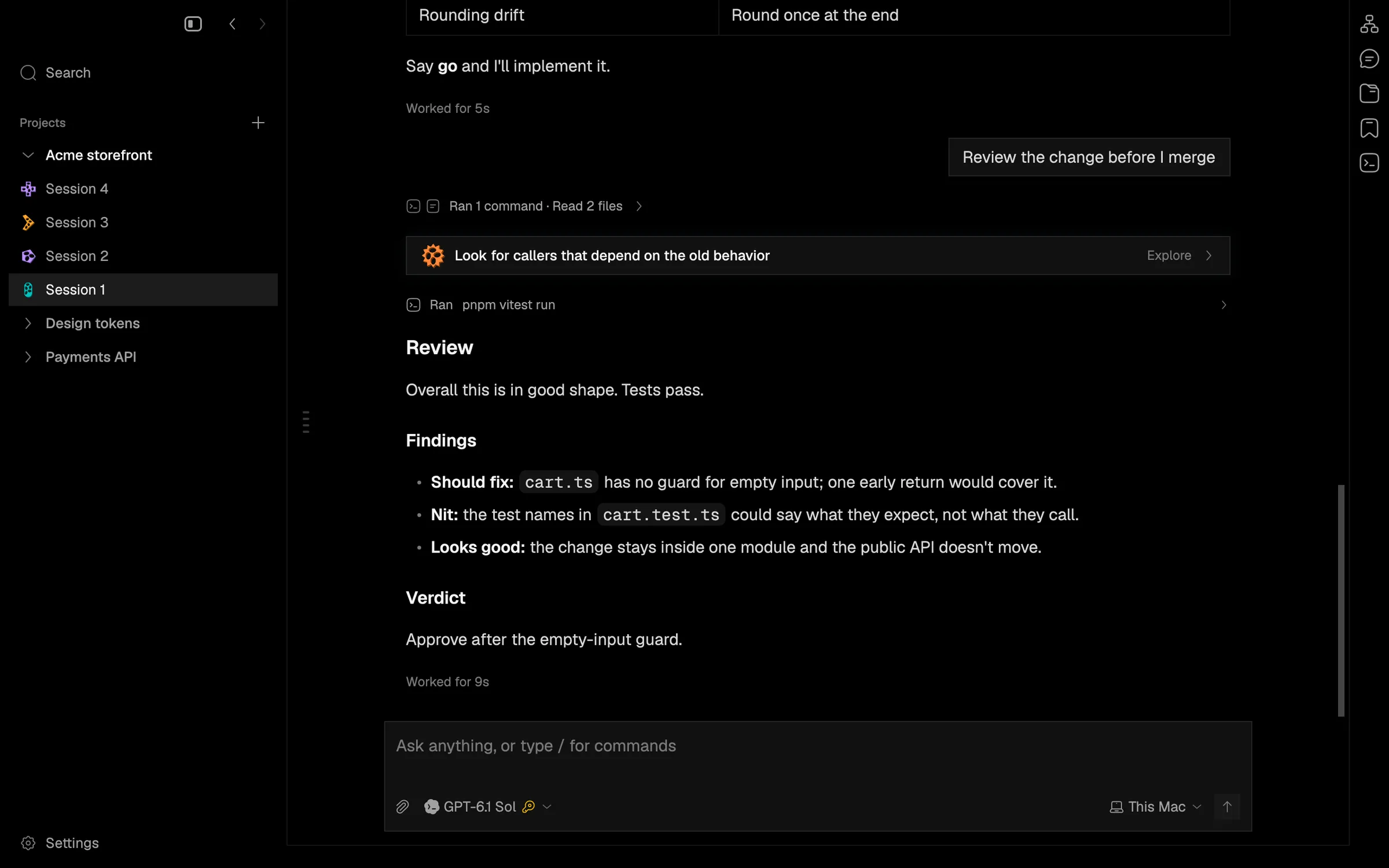
Pick model, thinking, speed and access in one picker
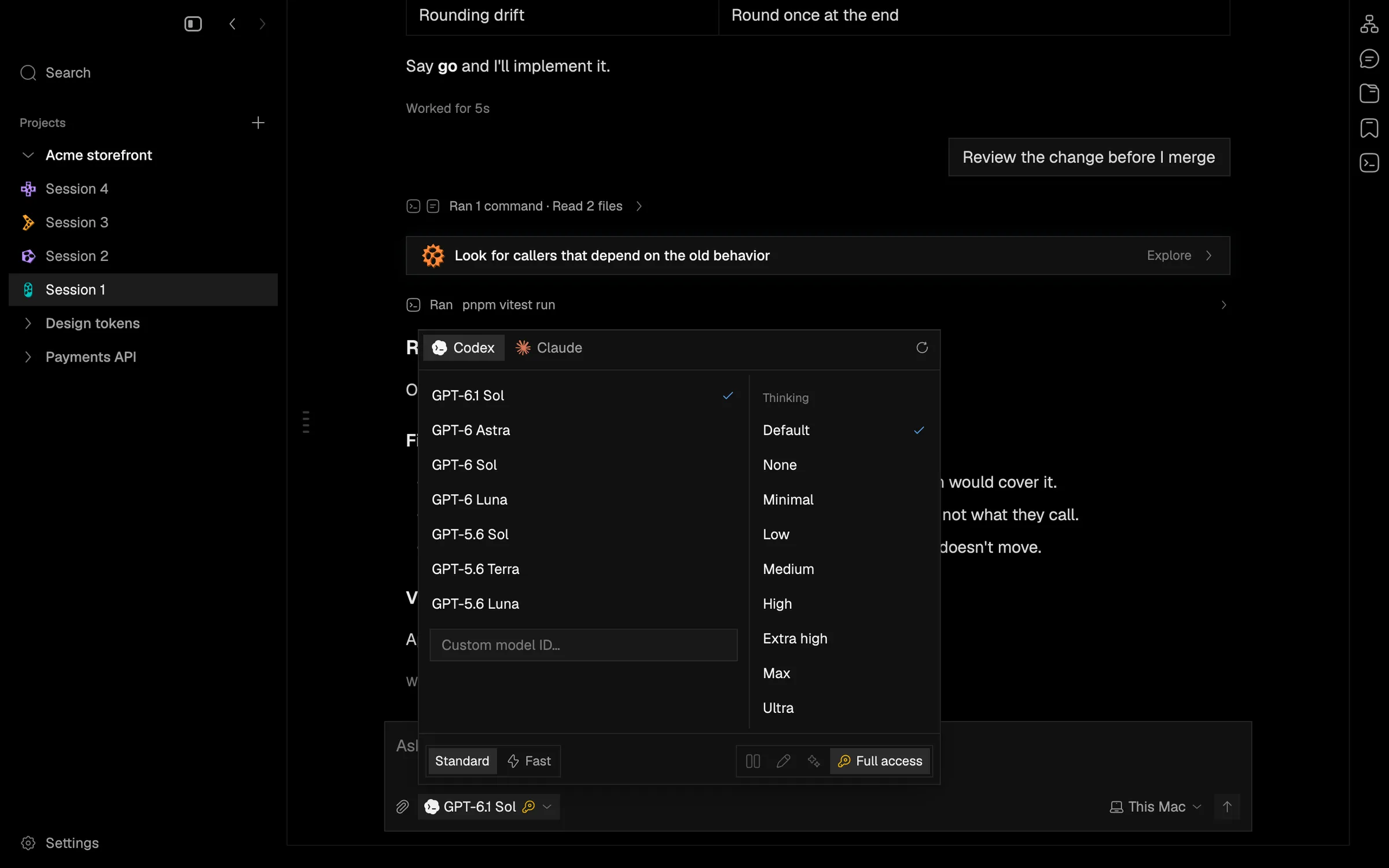
The prompt box's access, model, thinking and Fast chips become one chip that opens a two-column picker.
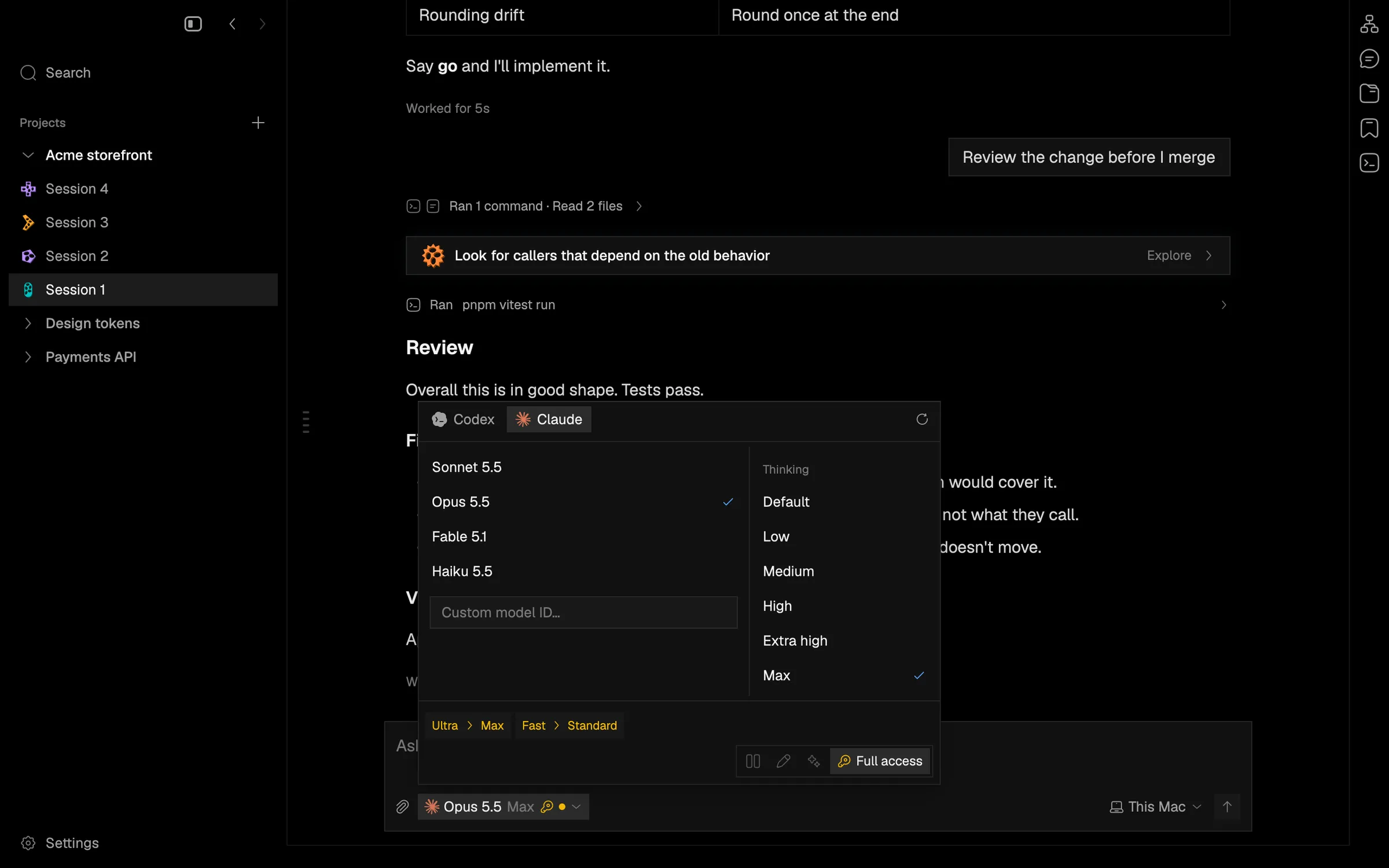
One chip now shows the provider logo, model, thinking level, a bolt when Fast is on, and the access glyph. Narrow composers still shrink it to the logo. It opens a picker with provider tabs on top, the models on the left, the chosen model’s thinking levels on the right, and speed and access along the bottom. ⌘/ opens it, as do View › Choose Model…, the palette and /model; choices keep it open and ↵ or Esc closes it.
When a choice cannot run on the current provider, model or run target, Napdock adjusts it and says so with an amber pill (for example Ultra › Max or Fast › Standard), and hovering the pill explains why. Your original choice is kept and comes back where it is offered.
This also fixes Fast and Ultra being lost on a Codex to Claude to Codex round trip, Pi showing “Auto” which it does not have, and access never being rechecked after a target change.
In the app