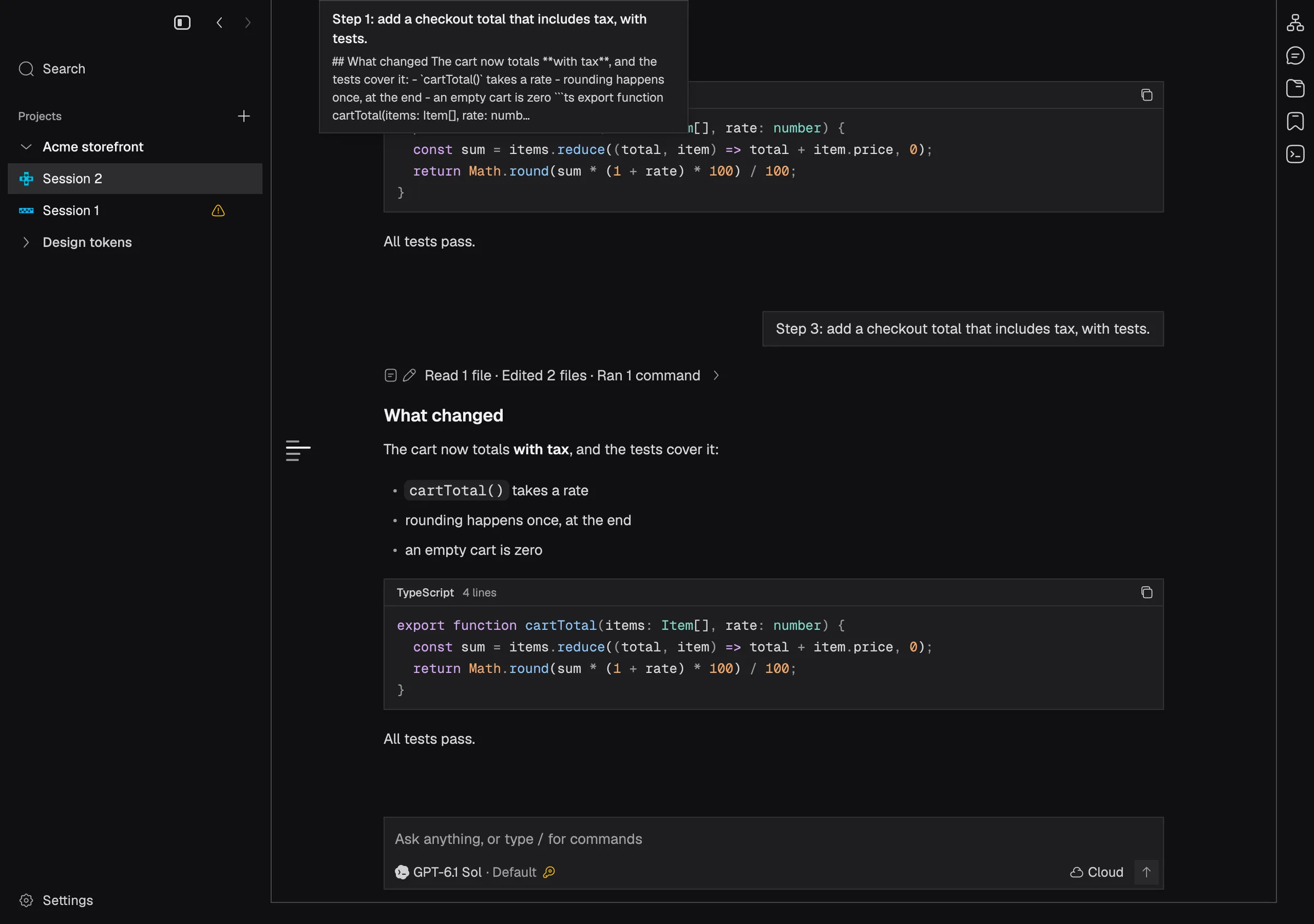
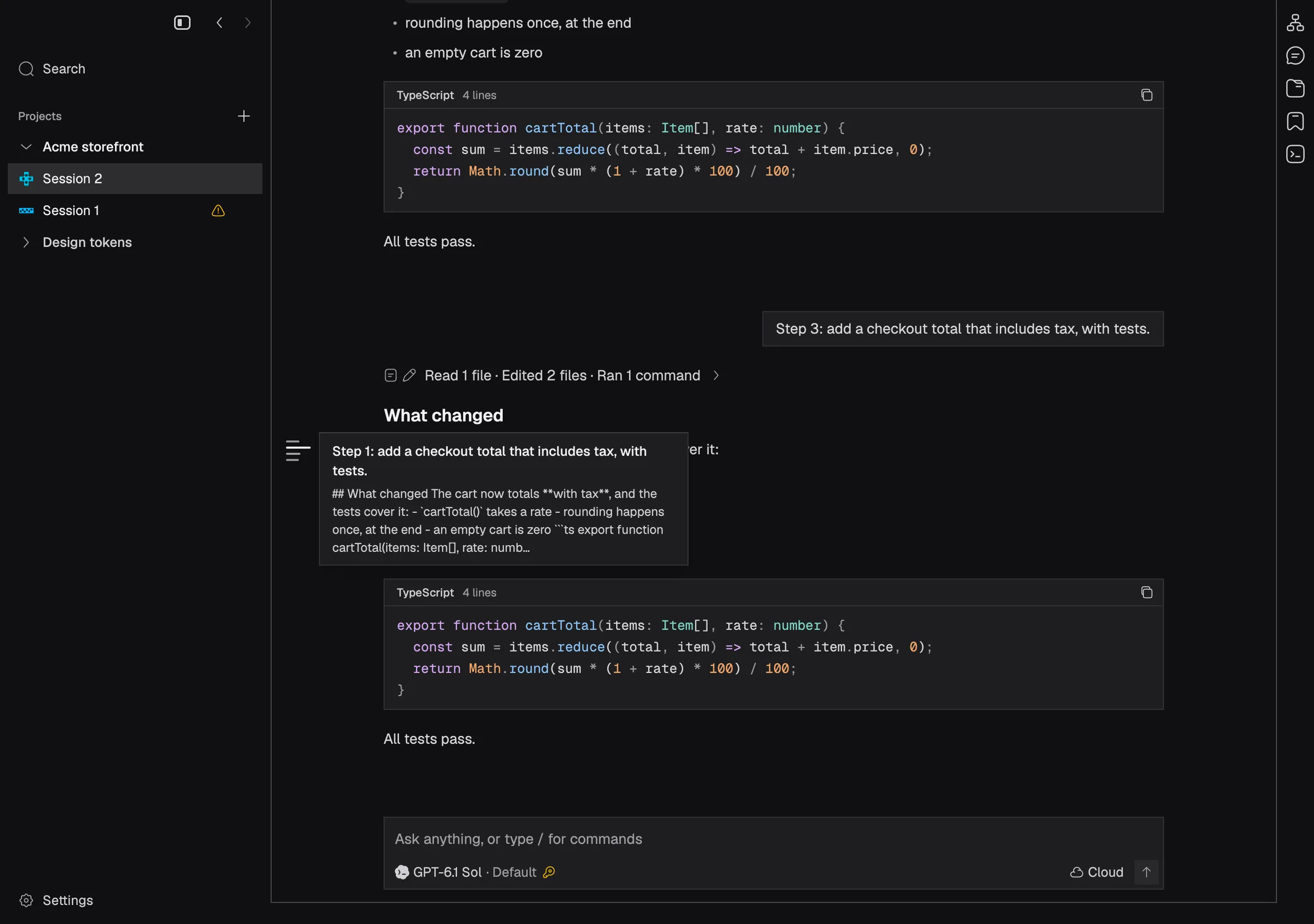
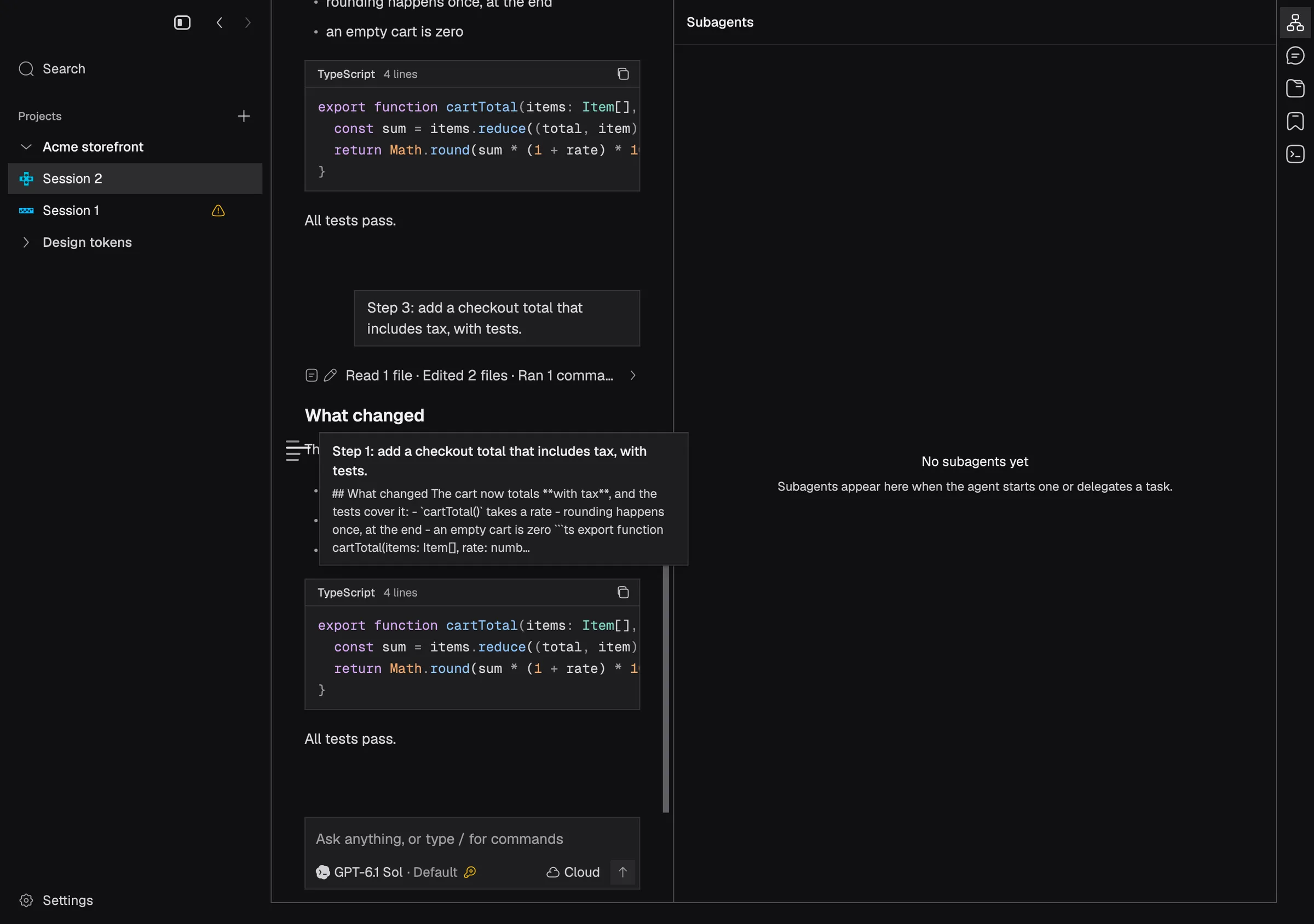
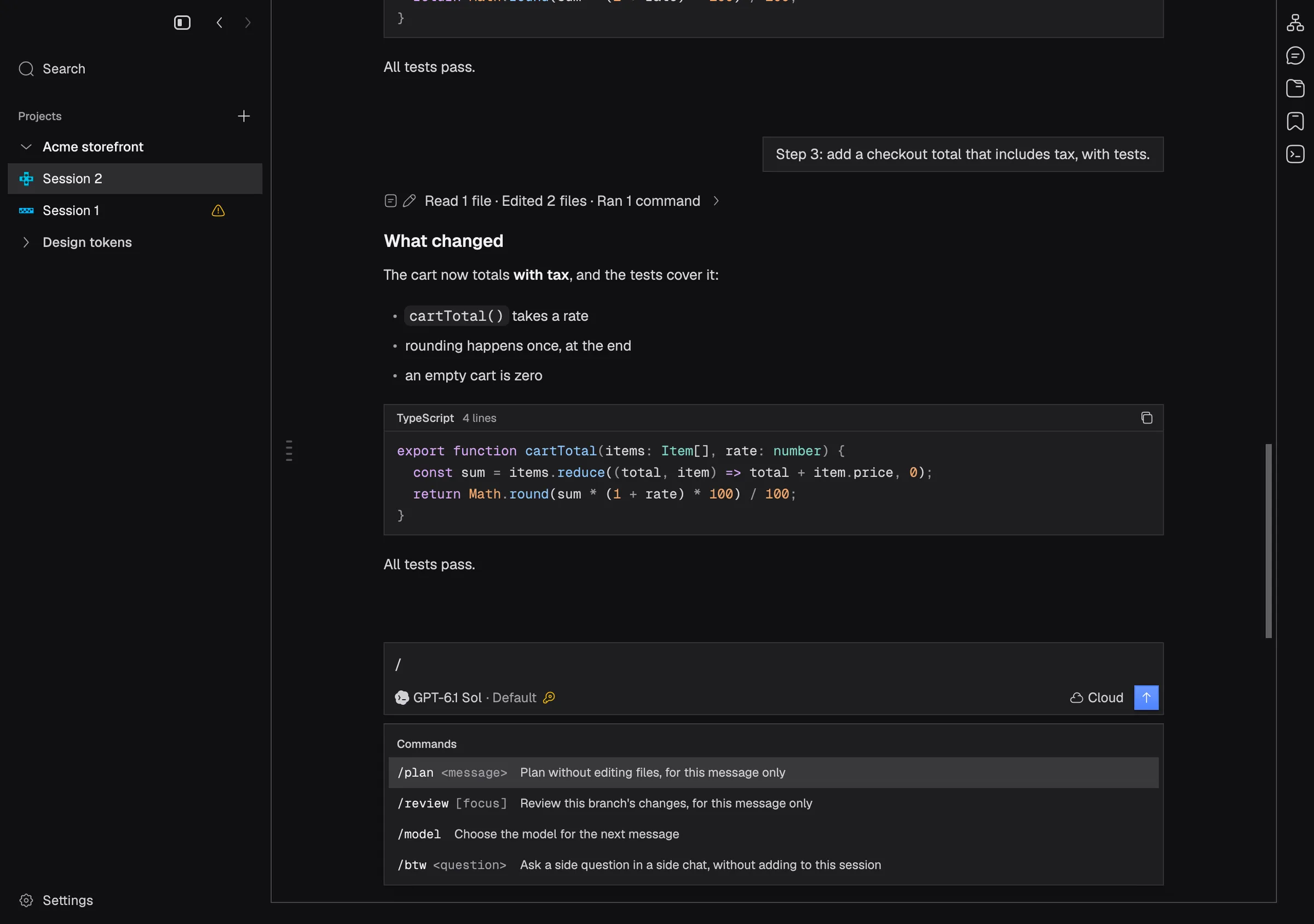
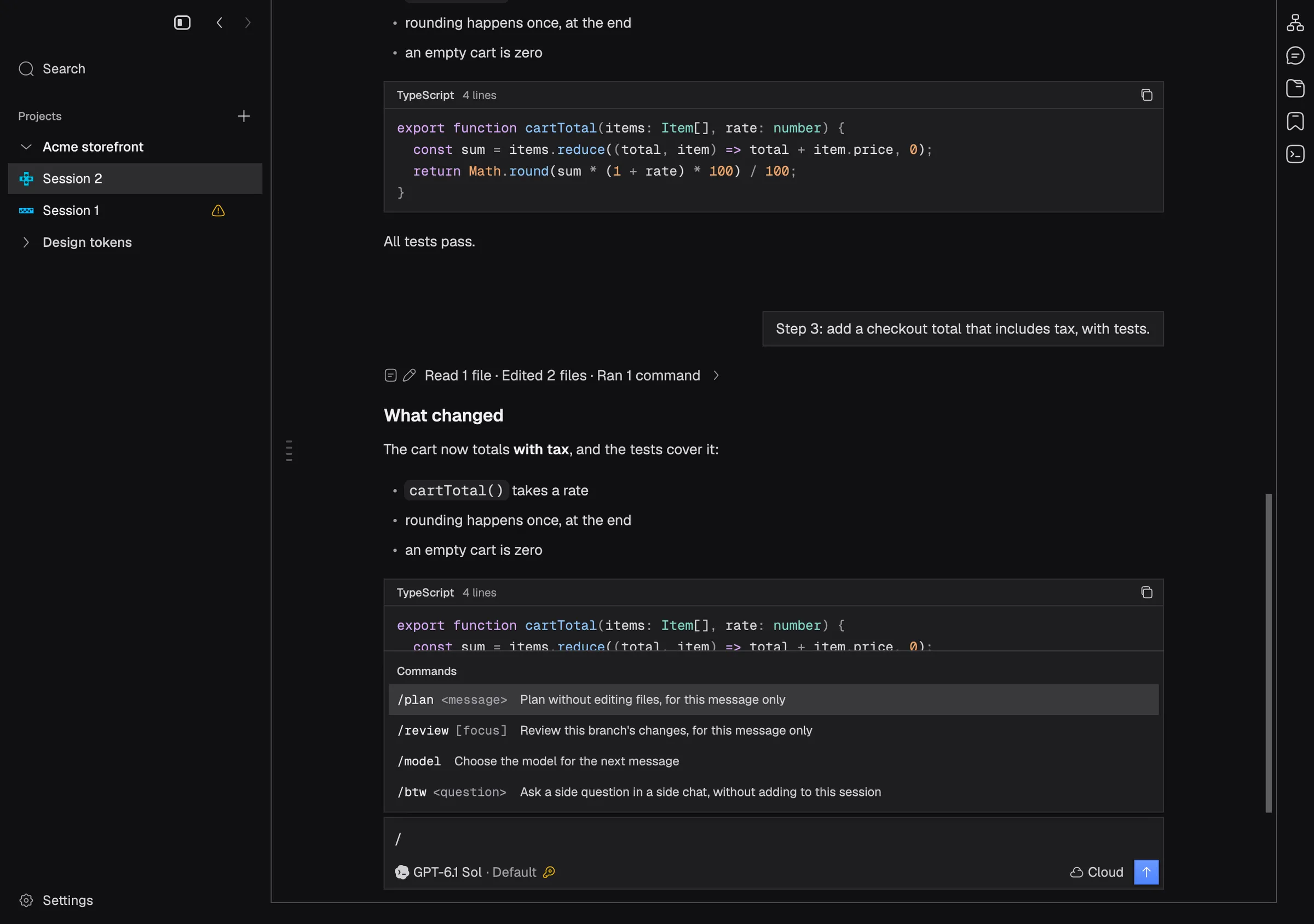
Keep absolutely placed popovers where they were placed as they open
The turn navigator's card opens beside the line you hover again, and the slash menu floats above the composer again instead of pushing it up.
Hovering a line in the turn navigator, the strip beside the conversation, shows that turn’s prompt and the start of its reply in a card. Since popovers began to unfold as they open, that card had been opening at the top of the conversation instead of beside the line. It now opens next to the line you hover. The slash command menu had the same fault: it opens above the composer again, instead of sliding the composer up to make room under it.
In the app