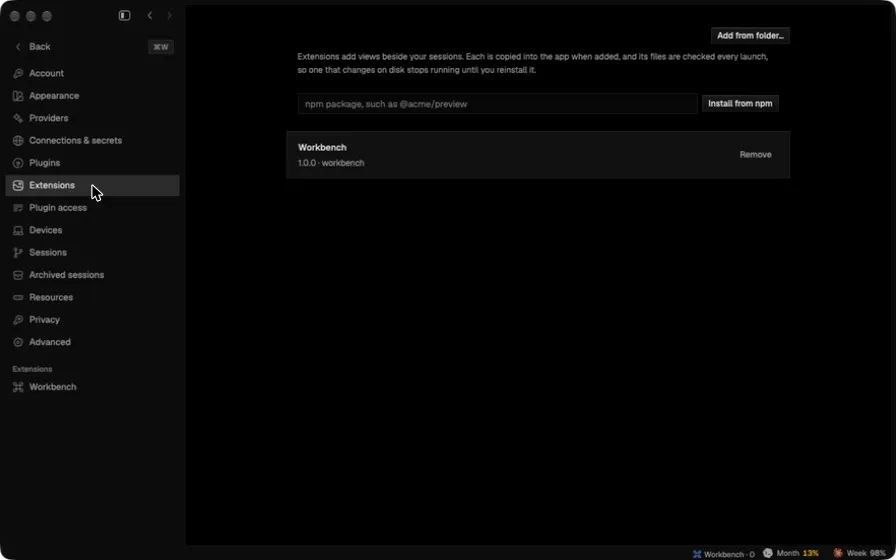
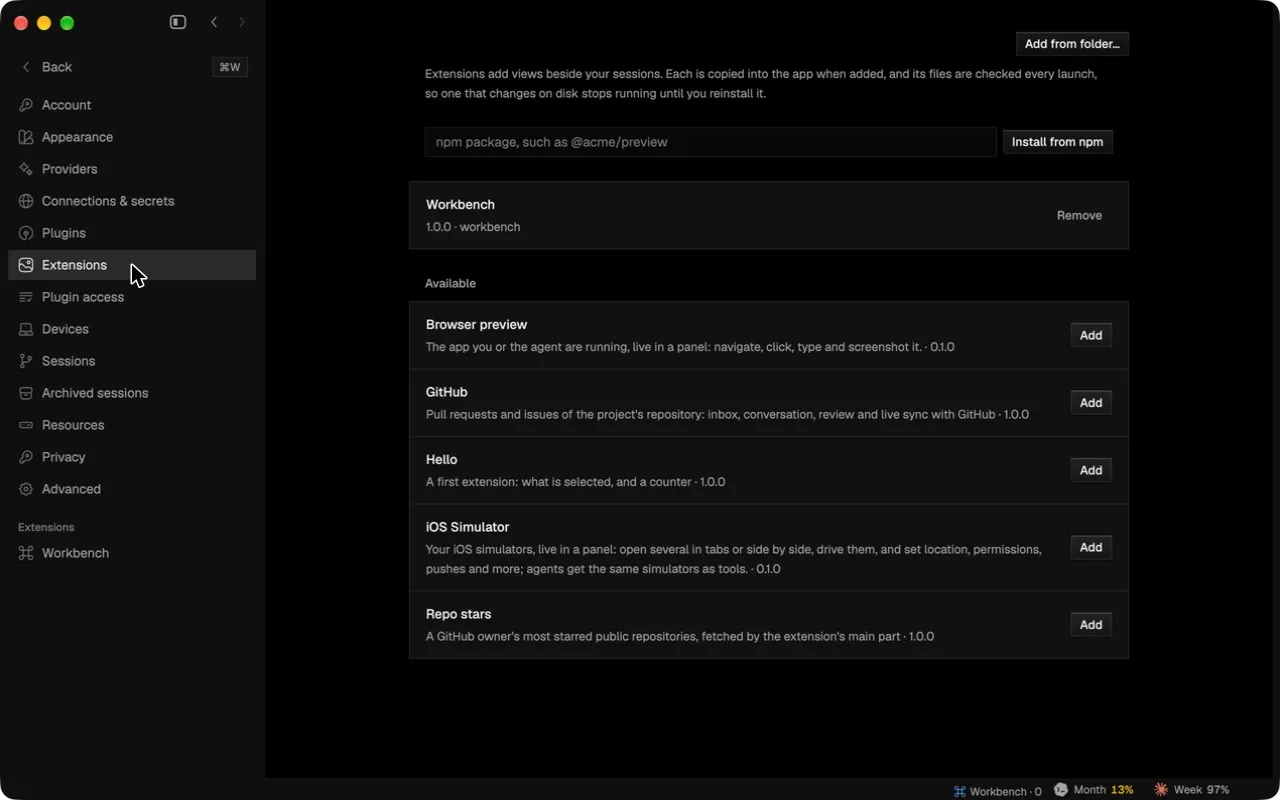
List the extensions that ship with the app in Settings to add
Settings › Extensions lists the extensions bundled with the app under Available, each with an Add button.
The app now ships with a set of checked extensions, and Settings › Extensions lists them under Available. Nothing is installed until you press Add, which installs the extension the same way Add from folder… does. Extensions you have already added are left out.
The page also reloads its lists each time it opens; before, it read them once and could stay empty. The packaging script builds and checks each example extension, so the app never builds anything at runtime.
In the app