Add Liquid Glass themes and give the agent picker T3 Code's sections
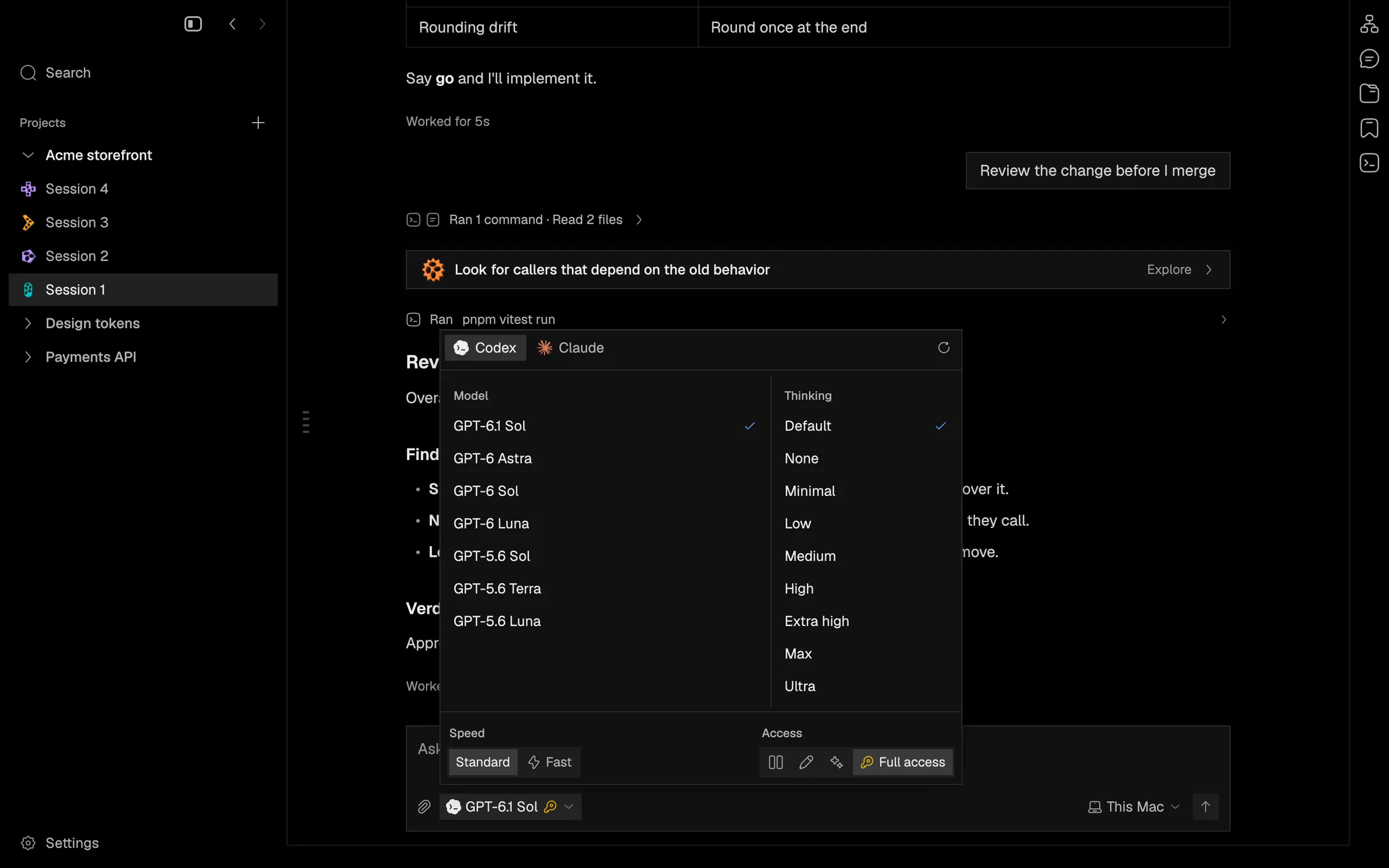
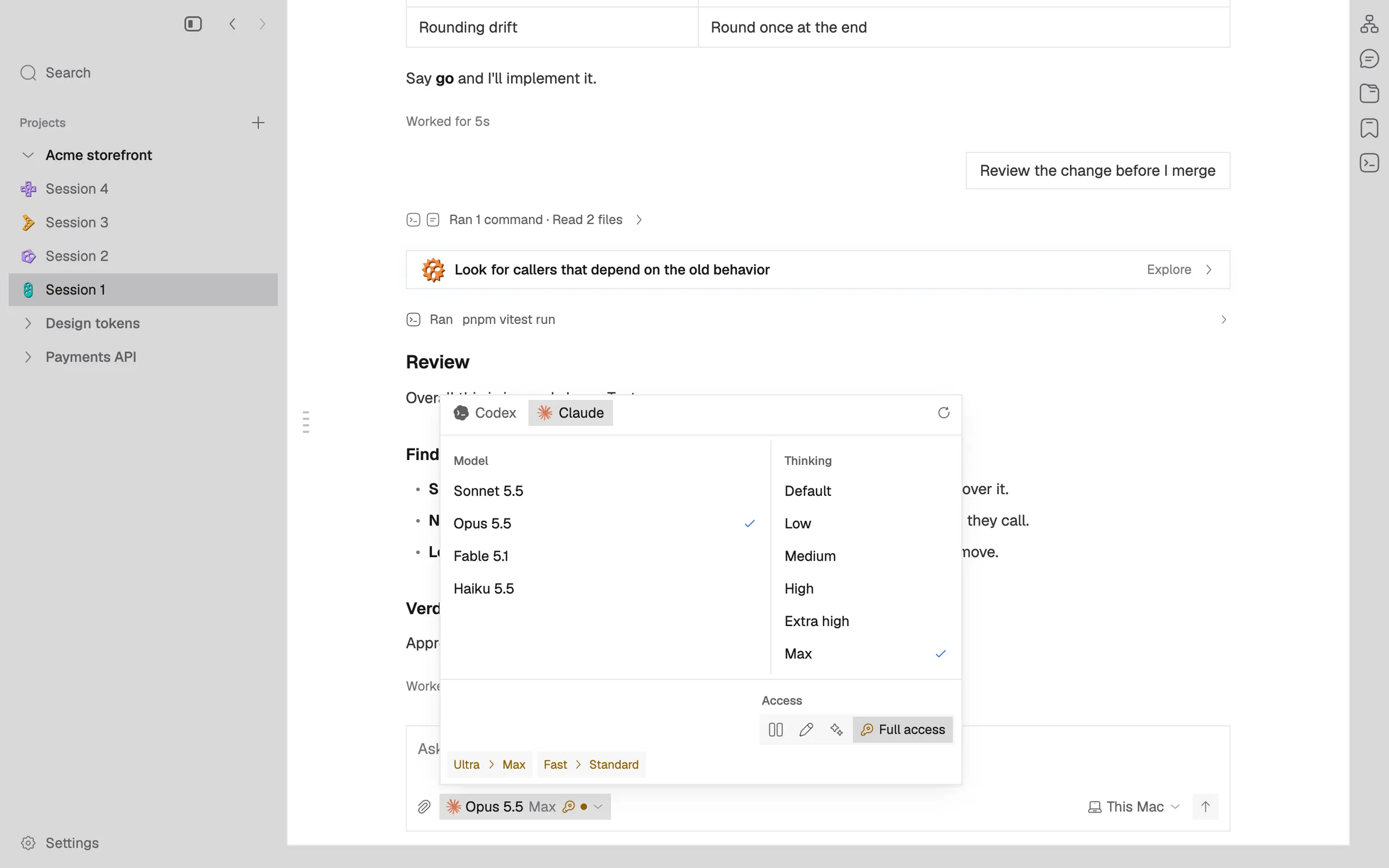
Two Liquid Glass themes stand the window on Apple's glass on macOS 26 and later, and the agent picker heads its Model, Thinking, Speed and Access sections without a custom model field.
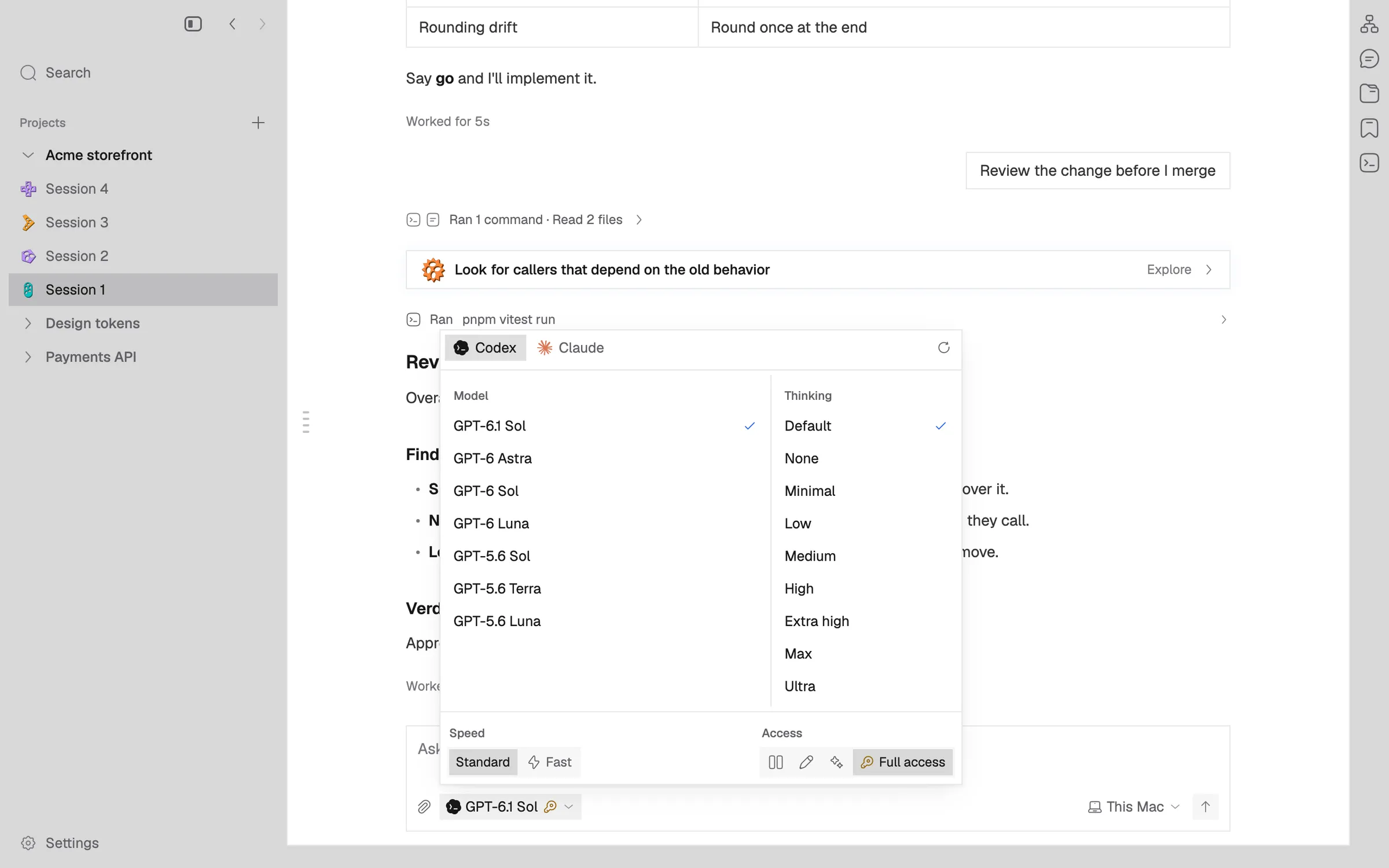
Liquid Glass Dark and Liquid Glass Light are new themes. On macOS 26 and later they draw the window on Apple’s Liquid Glass material, which refracts and lights what is behind the window rather than only blurring it. On older systems they draw the blur the Glass themes use. Choosing a theme switches the backdrop on every open window.
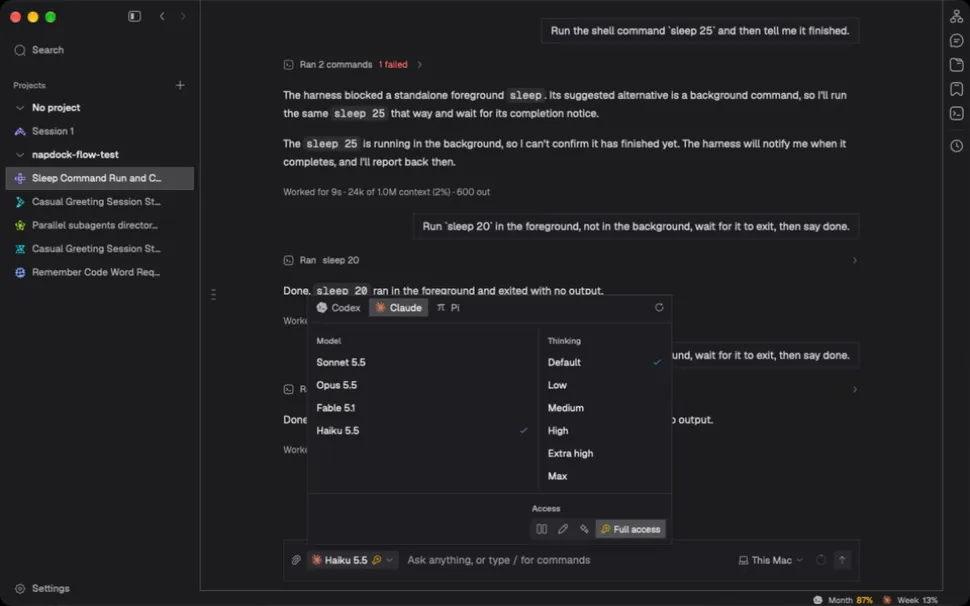
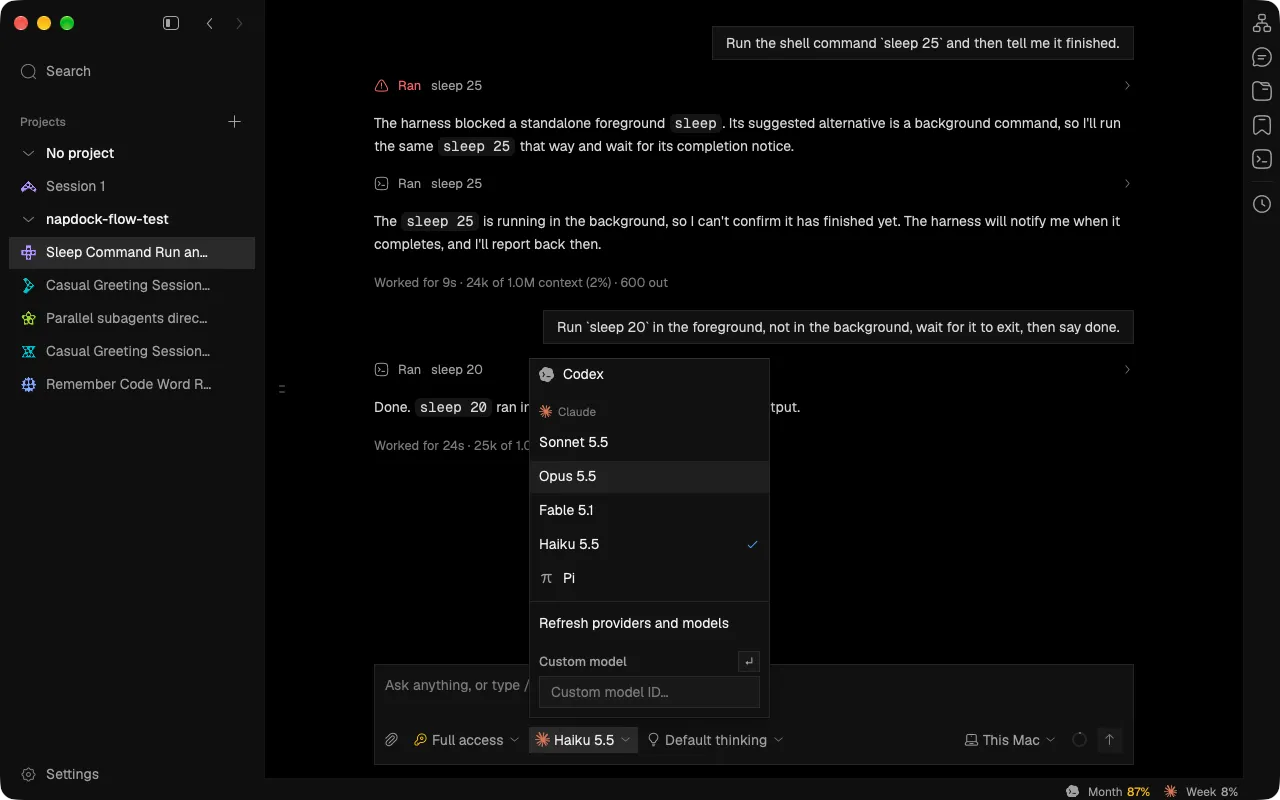
The agent picker heads each section in small, muted sentence case: Model, Thinking, Speed and Access. Its rows sit flush with a check for the choice, and speed and access are recessed tracks rather than bordered boxes. The custom model ID field is gone; a model chosen elsewhere still shows as its own row.
Menus, the palette and dialogs keep an opaque surface on the Liquid Glass themes, so the transcript behind them never reads through their text.
In the app