Download

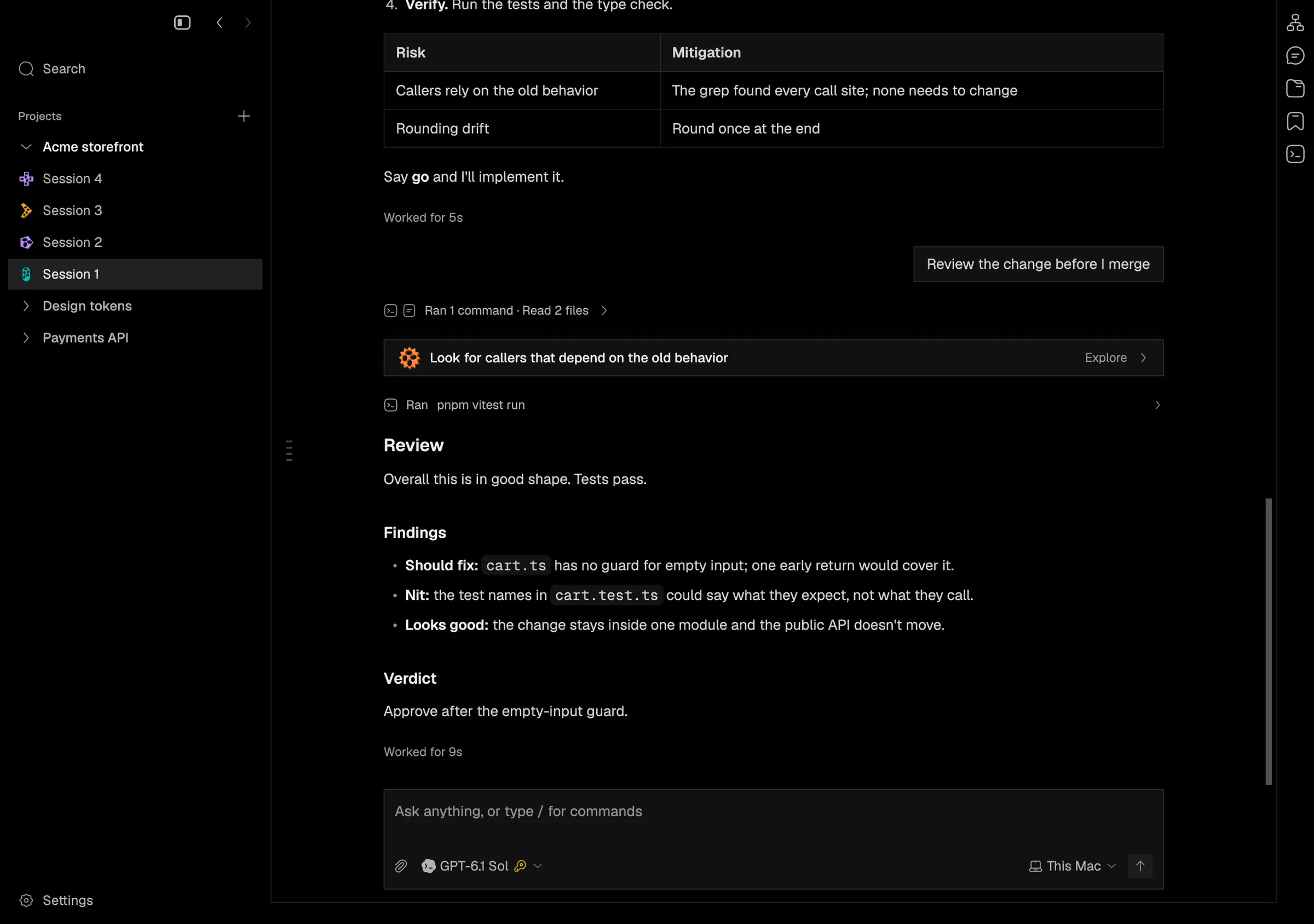
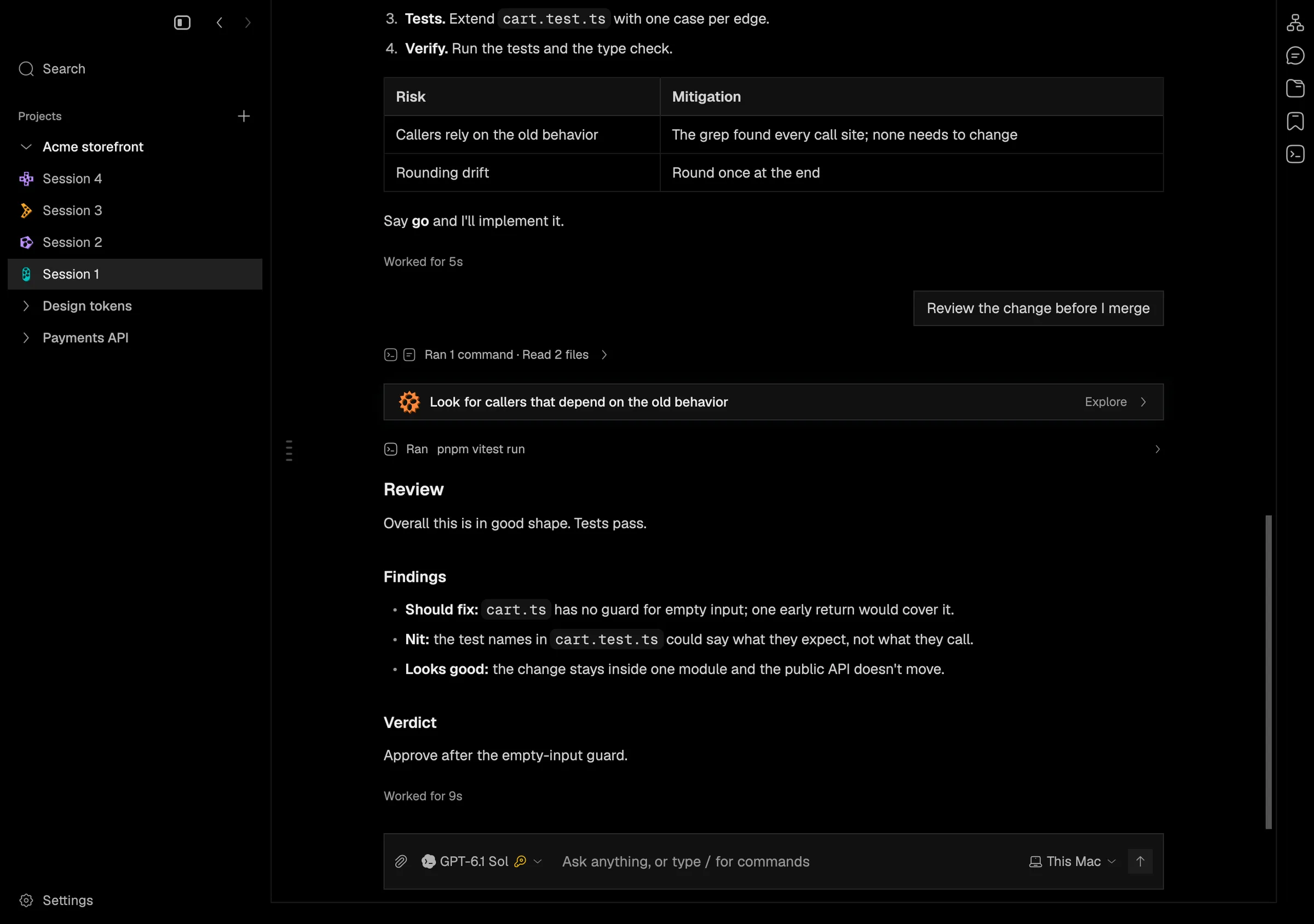
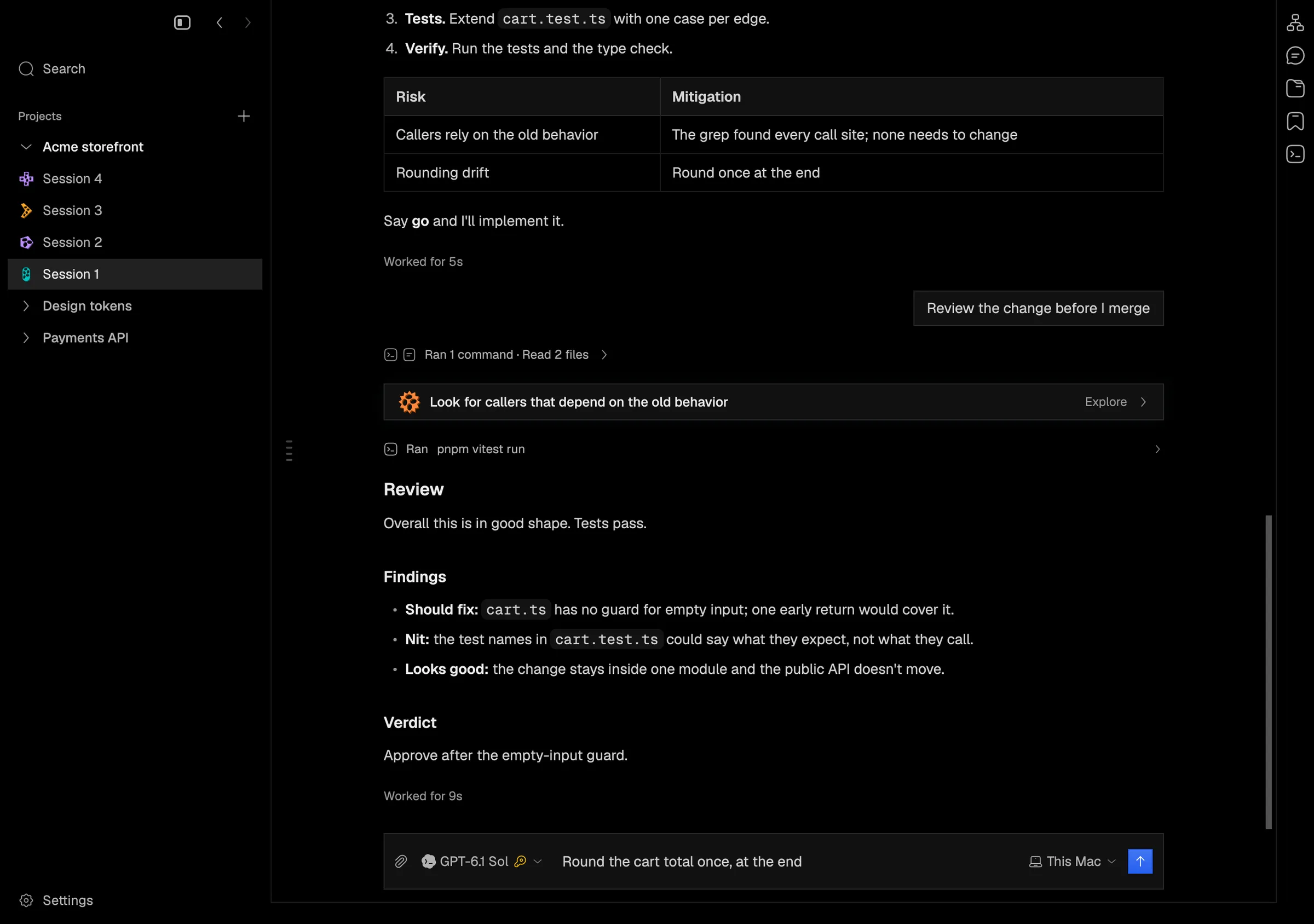
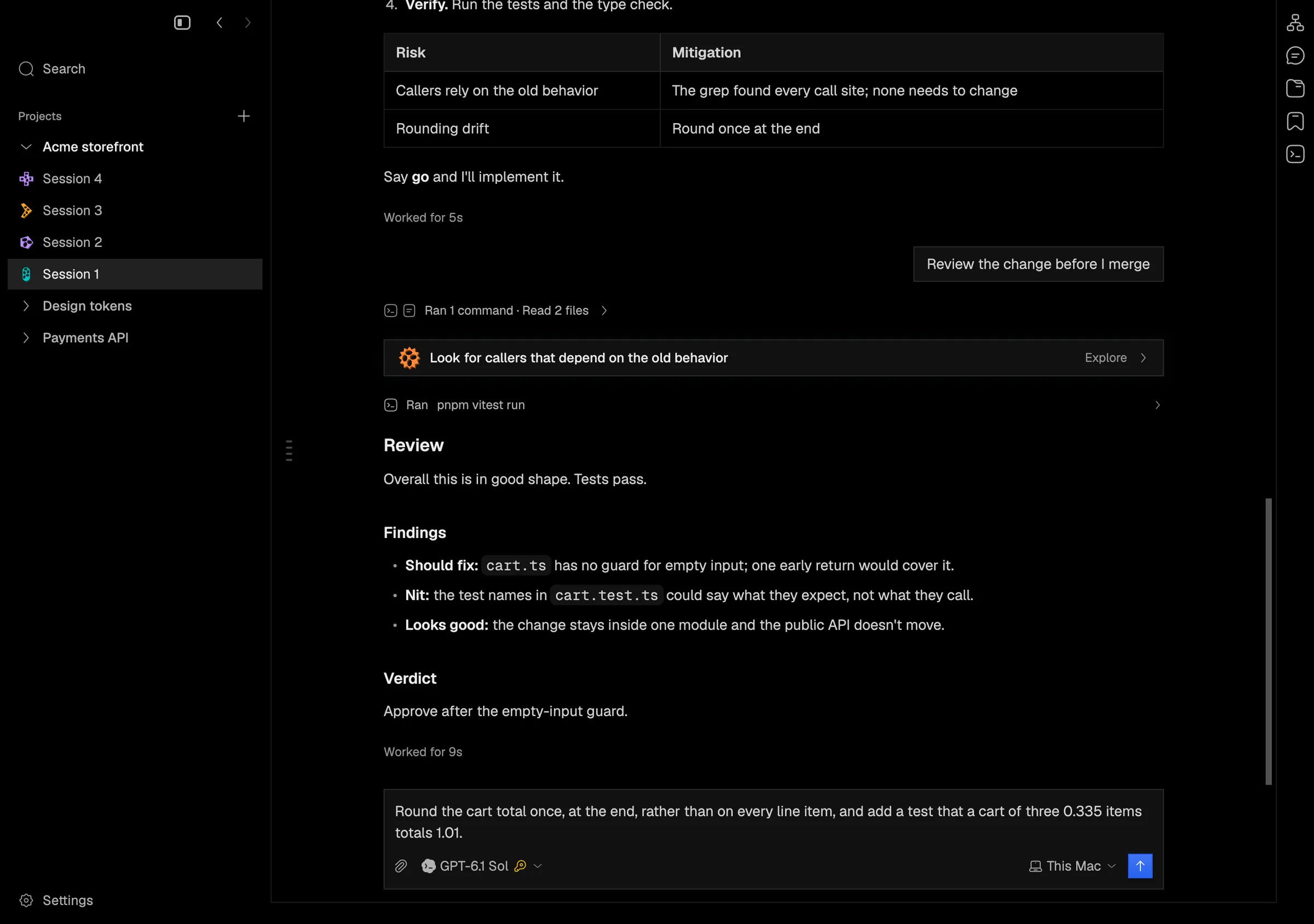
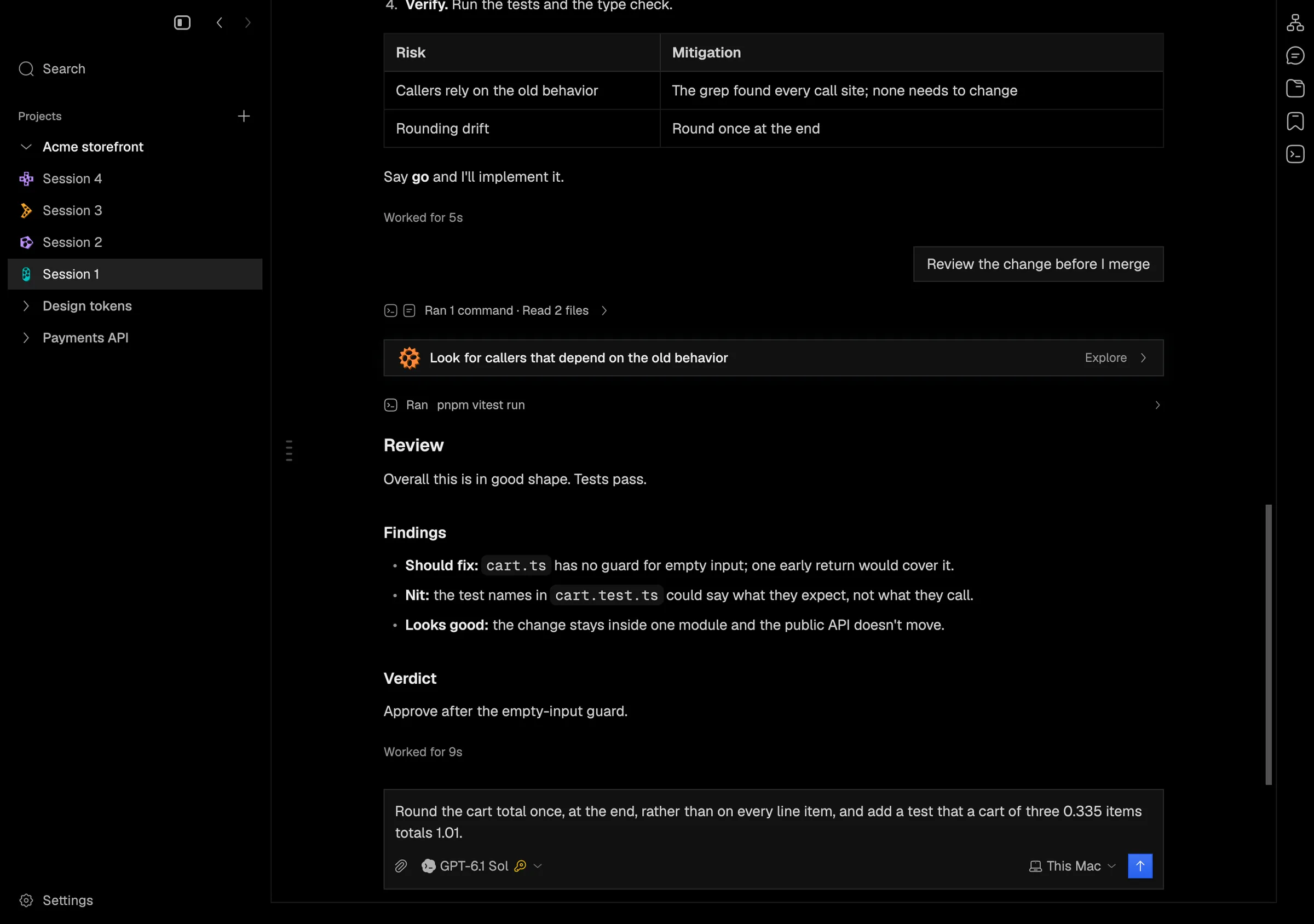
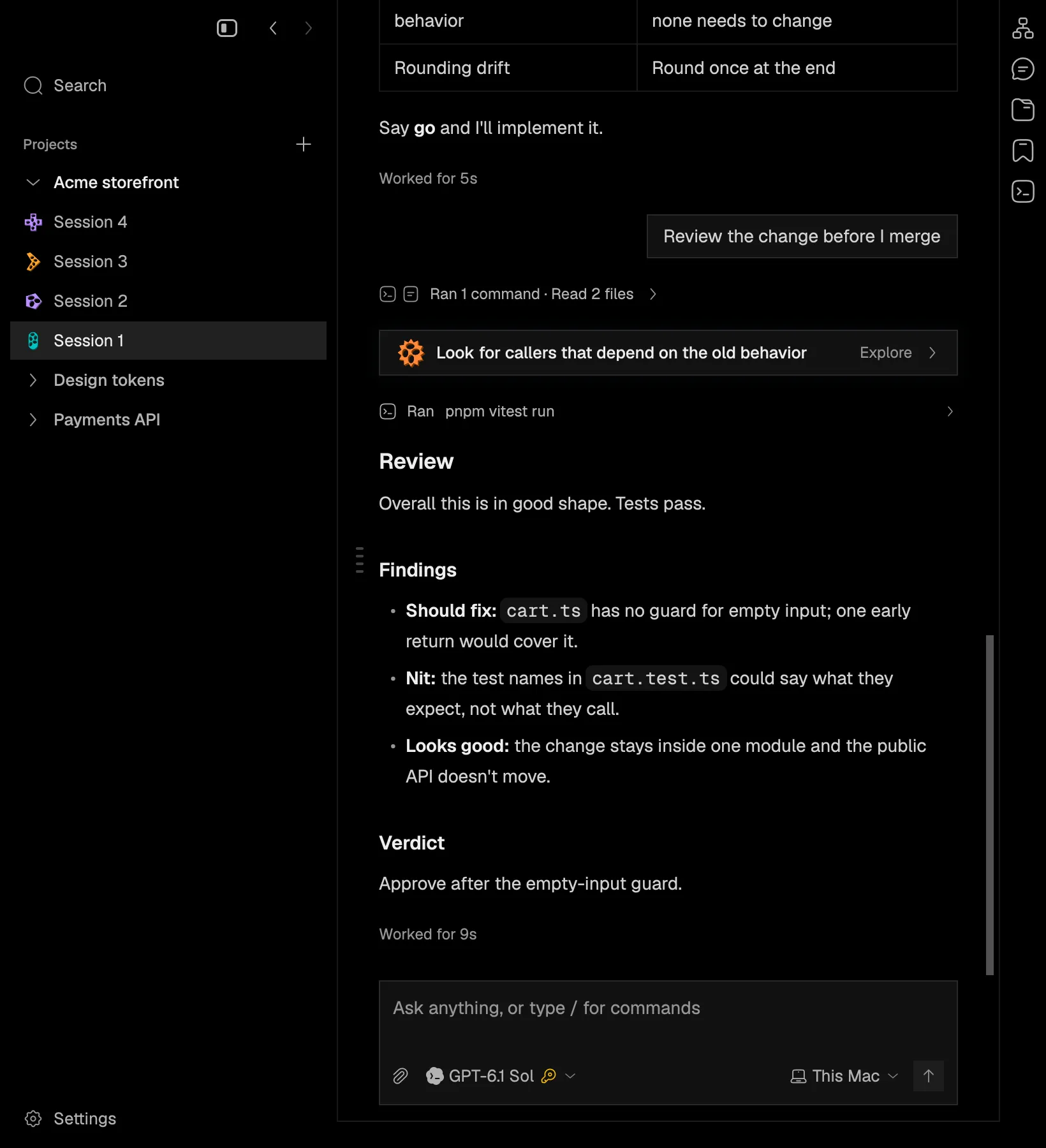
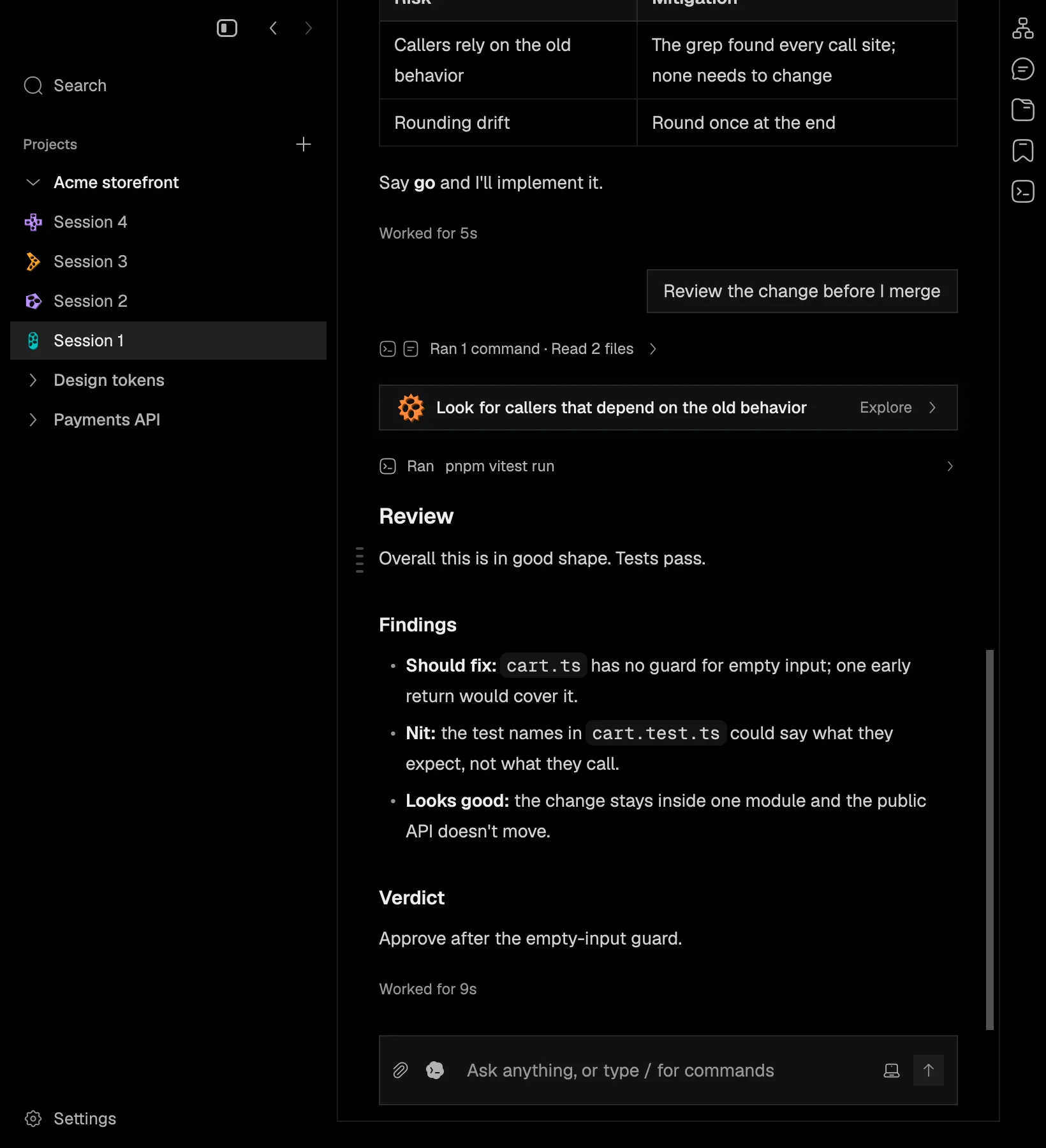
The prompt box used to take two rows even when empty: room for two lines of text, then its controls on a row below. Now an empty prompt box is a single line. Attach and the agent picker sit on the left, what you type in the middle, and where the session runs, its context and the send button on the right.

When your message wraps, gets a new line, or you attach files, the prompt box opens onto its own row above the controls. It goes back to one line once you clear it, so it doesn’t jump around while you type and delete.

In the app
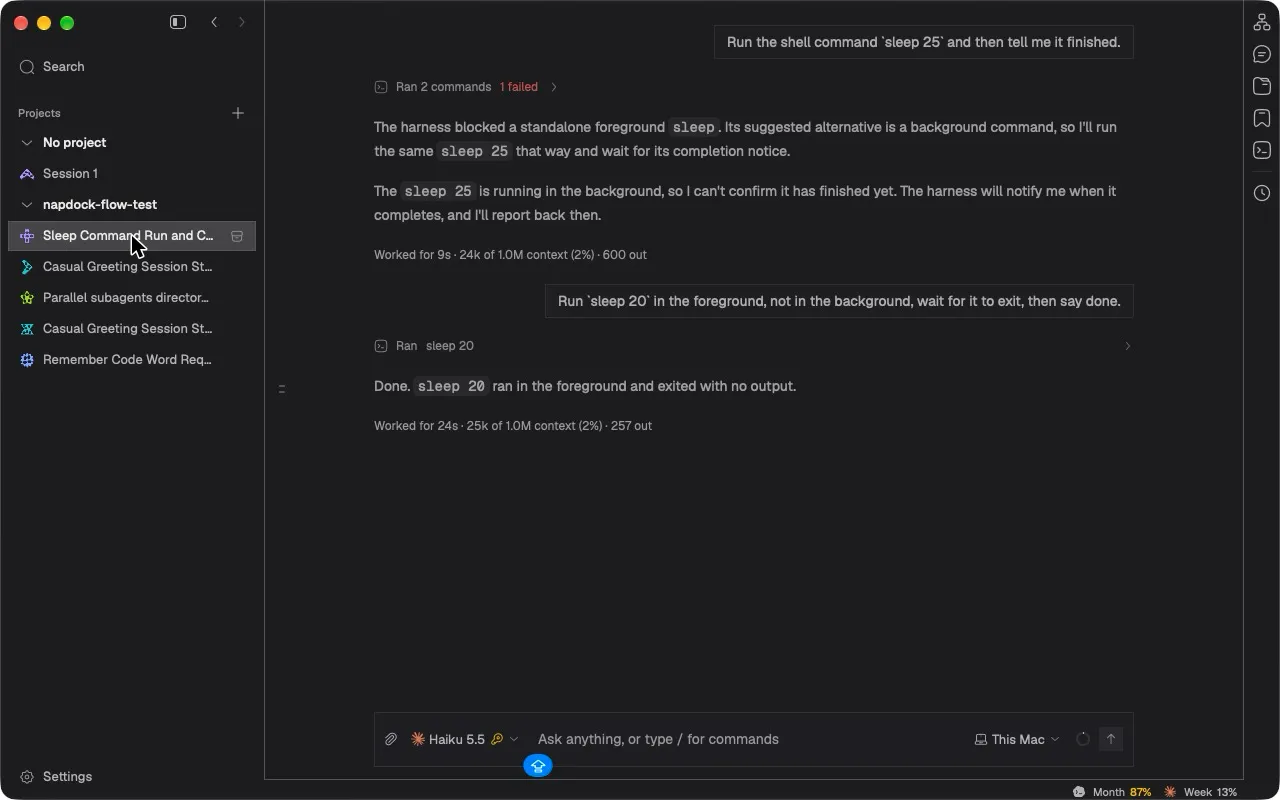
The one-line prompt box in the installed app.
Before: an empty prompt box took two lines of text with its controls on a row below.
The empty prompt box is one line, with attach and the agent picker on the left and This Mac, context and send on the right.
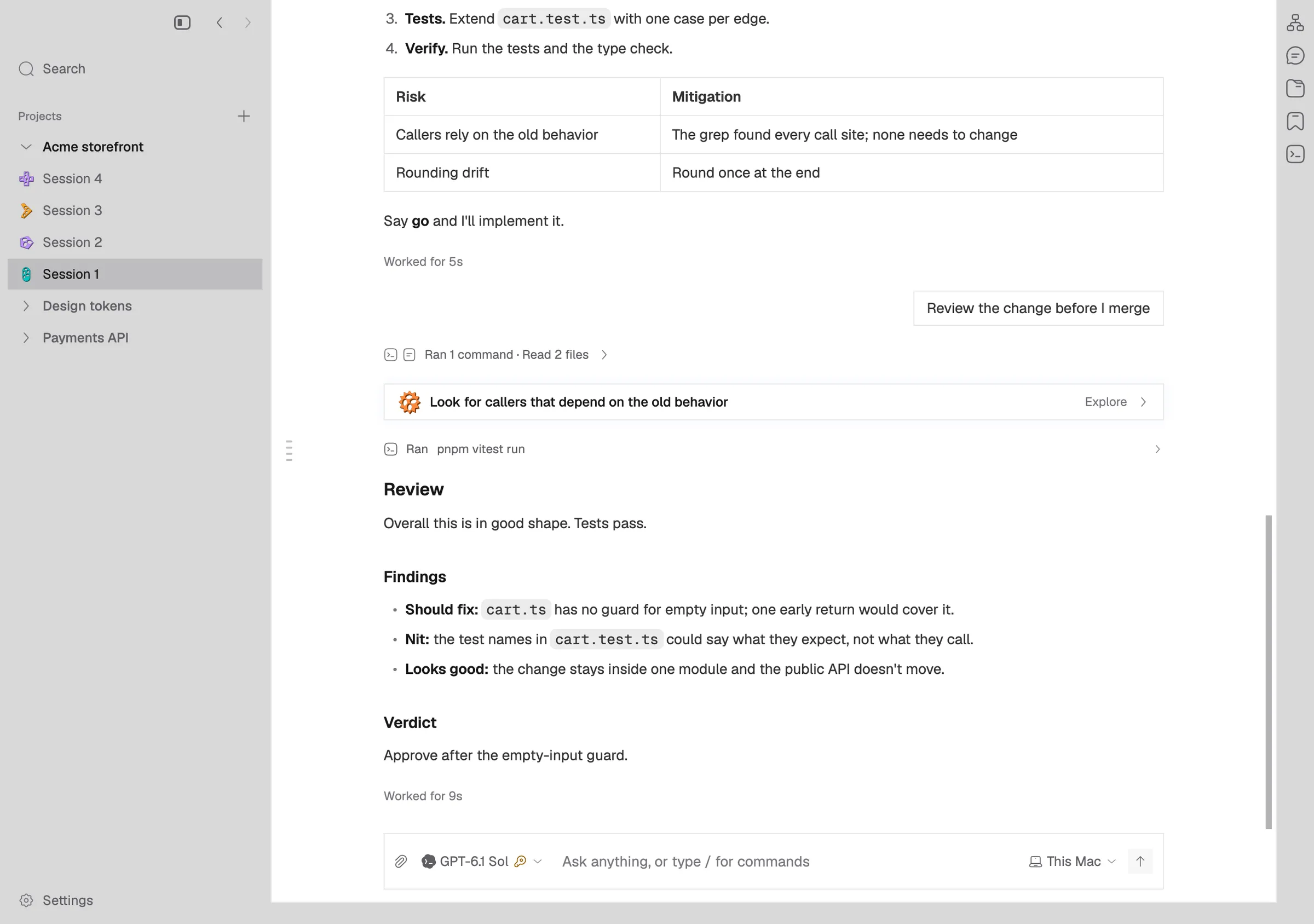
The same one-line prompt box in the light theme.
A short message stays on that one line.
Before: a longer message in the two-row layout.
A message that wraps opens the prompt box onto its own row above the controls.
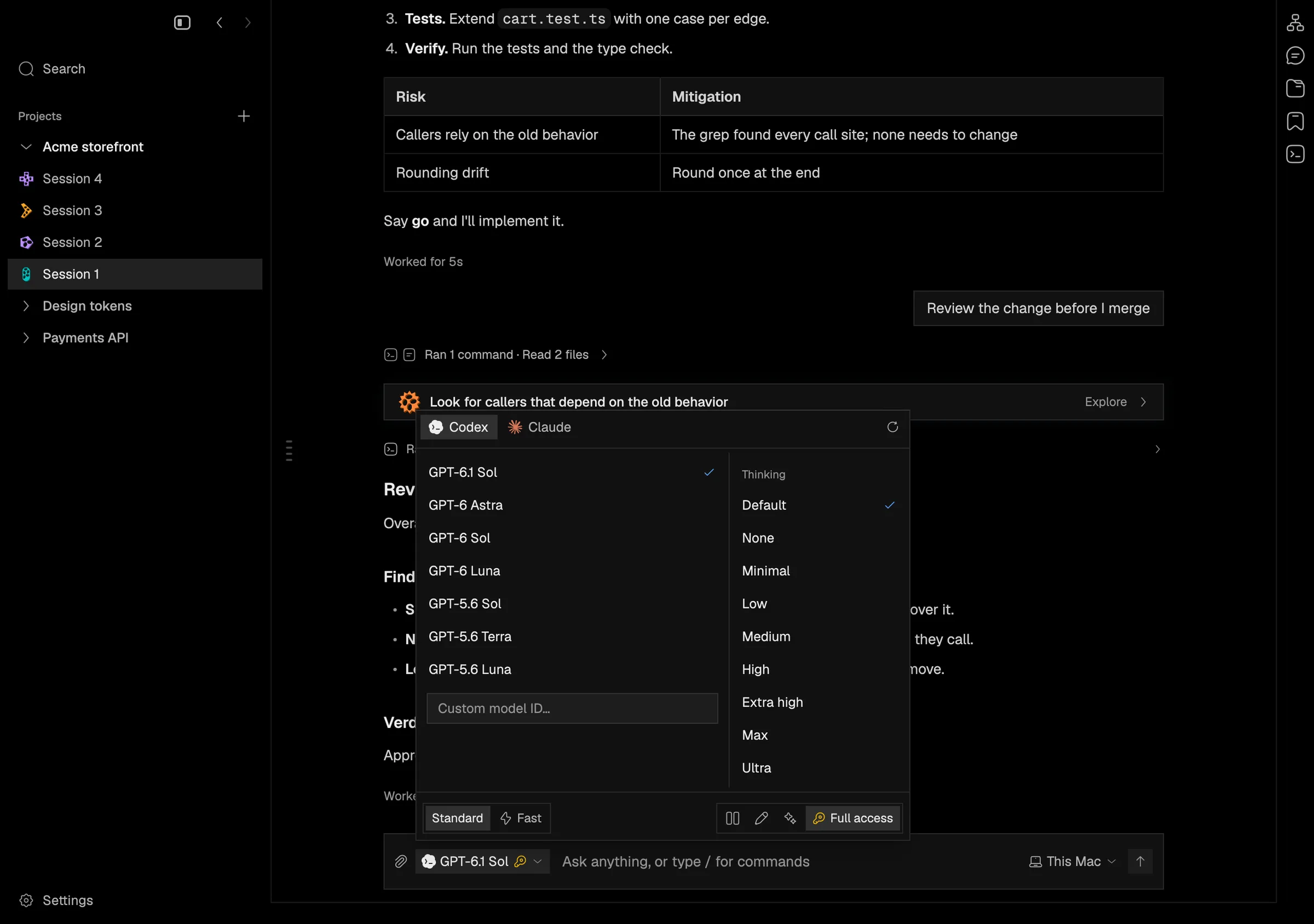
The agent picker, with model, thinking, speed and access, opens from the one-line prompt box.
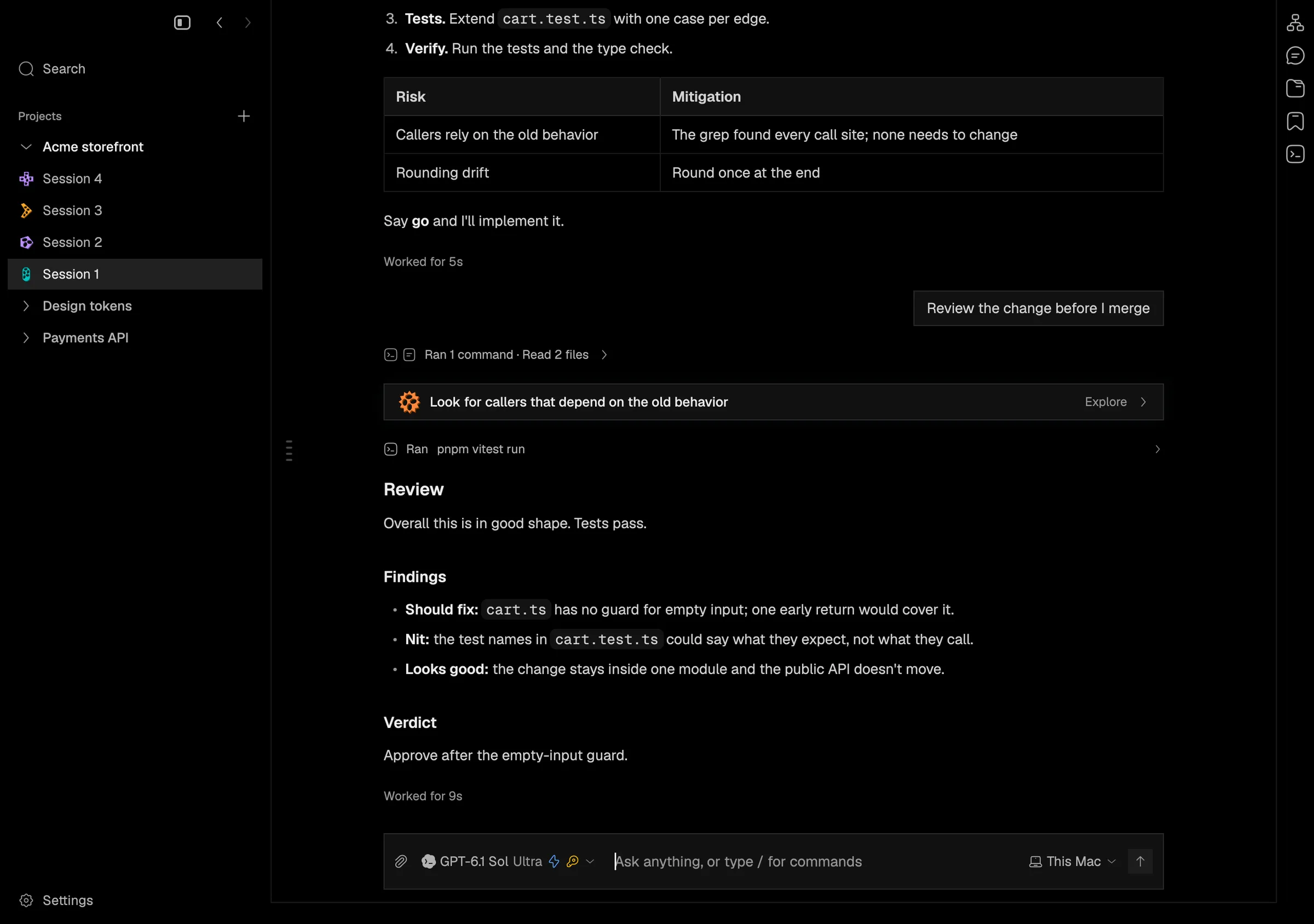
After choosing Ultra thinking and Fast, the picker's chip shows them beside the text.
Before: the prompt box in a narrow window.
In a narrow window the controls shrink to icons, so the placeholder still fits on one line.